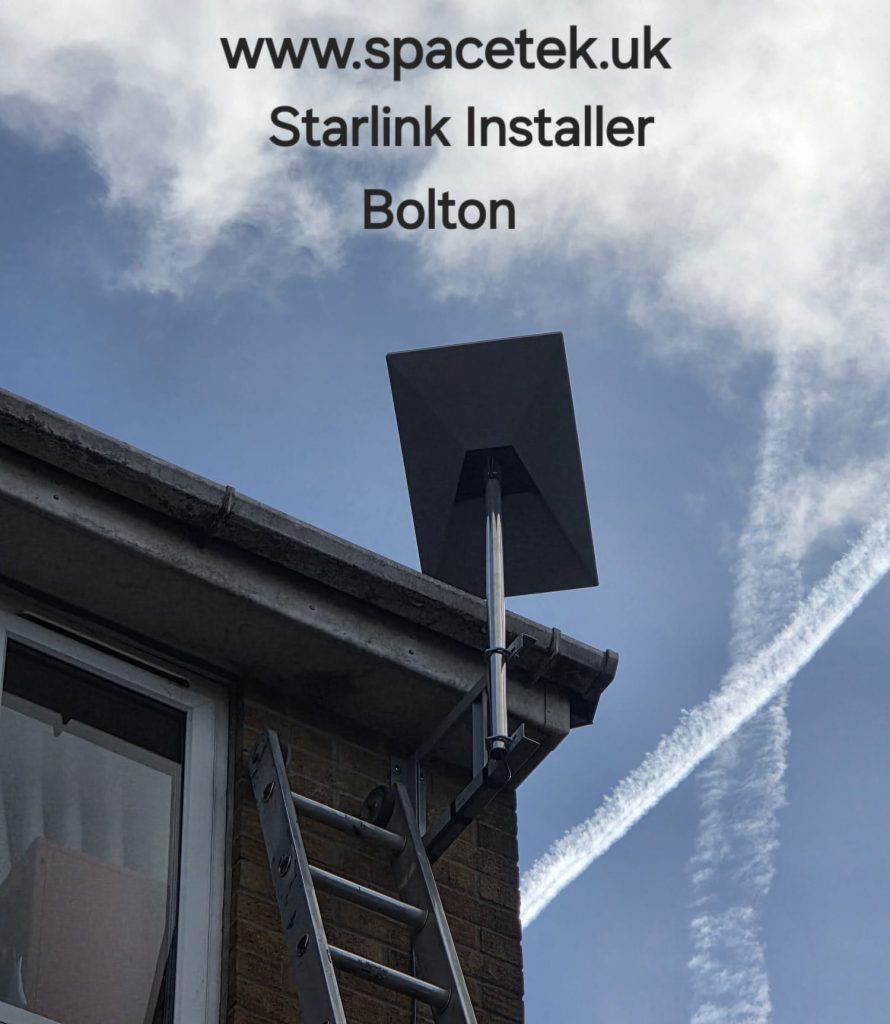
A Starlink installation in Bolton needs to solve two different problems: giving the dish a clear view of the sky and getting a reliable connection to the rooms where you work or relax. A good result at the router does not automatically mean good Wi-Fi in a loft office or rear extension.
Start with the building, not a standard bracket
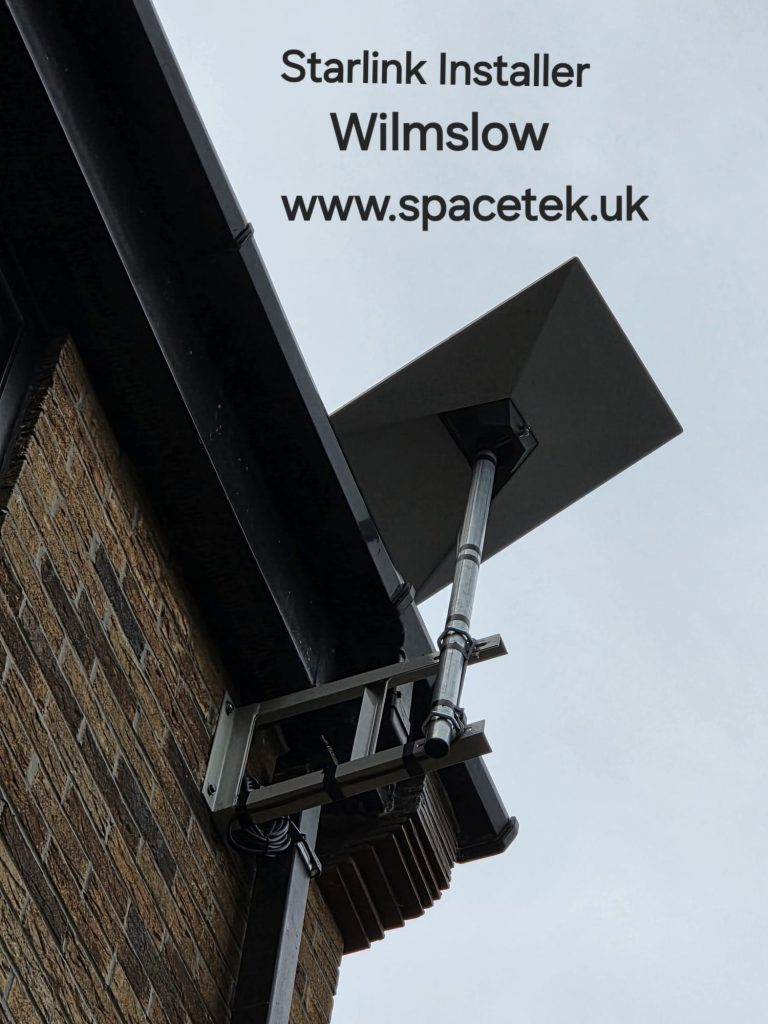
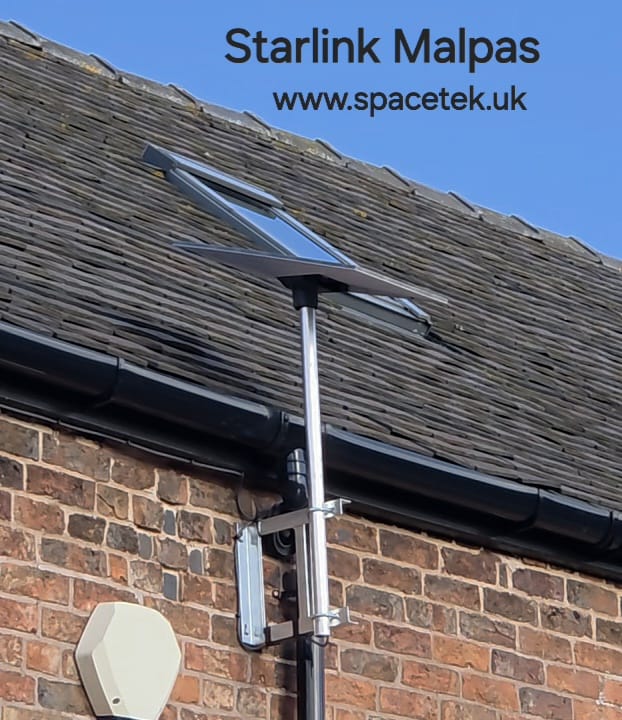
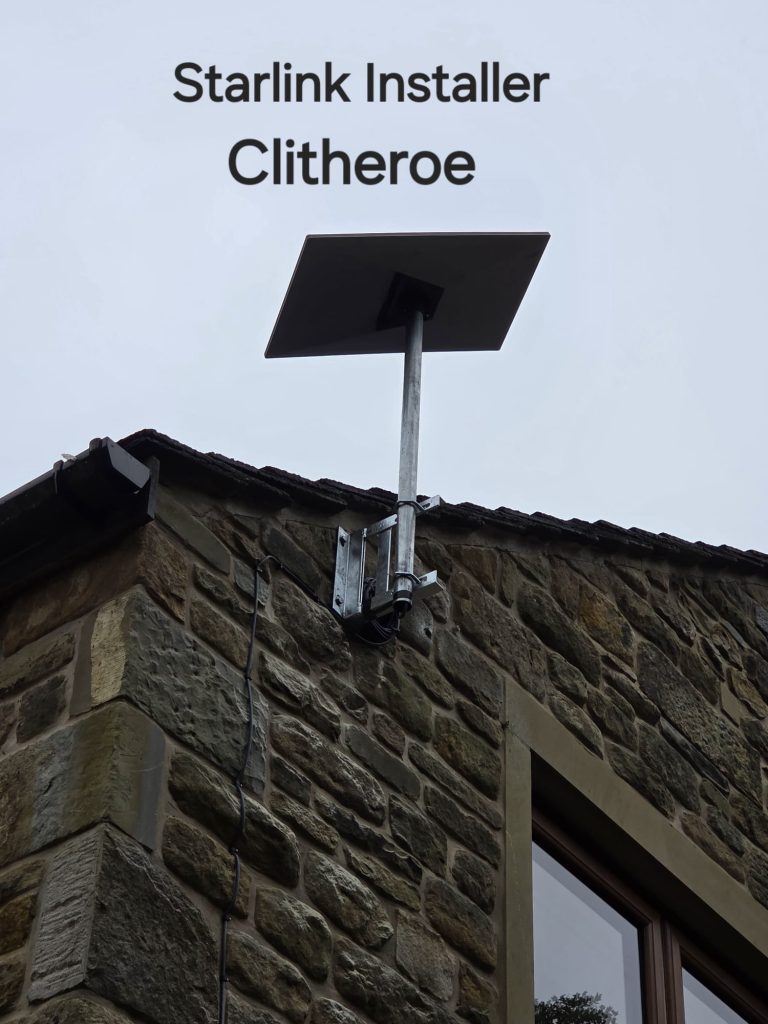
On a terrace or a house close to neighbouring roofs, the easiest wall to reach may leave the dish looking into a chimney or roofline. On a more exposed property, the condition of the mounting surface and safe access become equally important. SpaceTek assesses these points before agreeing a wall, pole or roof mounting position.
Use the obstruction check in the Starlink app to assess a proposed position from a safe location. A ground-level check is a useful starting point, but it cannot confirm the view from a roof. You do not need to climb onto the building to obtain a quotation.
Plan the route into your home office
Tell us where the desk, television and other important devices are before the cable entry is chosen. Running a cable into the nearest room can leave the router on the wrong side of several walls. For a fixed desk, an Ethernet connection may be more practical than adding another wireless hop.
- Identify the room where the Starlink cable can enter neatly.
- Check that power is available for the equipment.
- List rooms or outbuildings with weak Wi-Fi today.
- Discuss an access point or mesh system if one router will not cover the property.
What a Bolton installation quote should cover
The scope should explain the mounting hardware, access arrangements, cable route and any additional networking. Installation work and the Starlink hardware or subscription are separate items unless the quotation explicitly includes them. Photos of the outside wall and the proposed router room help us identify practical questions early.
Already installed, but experiencing dropouts?
First establish whether every device loses internet together or only a device in a distant room. An obstruction or service problem needs a different response from weak indoor Wi-Fi. Send a description of the issue and any obstruction information shown in the app; this helps us assess whether a repositioning visit or network improvement is appropriate.
Performance depends on the service, obstructions and local network. We do not promise a fixed download speed from a particular bracket or mounting angle.
View Bolton installation photographs


Talk to SpaceTek about your Bolton property
Request an installation quote or call 07802 410222. You can also browse our installation gallery.
For hardware-specific positioning and setup, follow the official Starlink Standard installation guide or the instructions supplied with your model.
See also: Starlink installation across Greater Manchester and all service areas.
Plan your satellite internet installation
Send your postcode, property type and any known Wi-Fi requirements. SpaceTek UK will review the site information and explain the practical next step.