Installing a Starlink dish is only part of connecting a Warrington property. The connection may need to reach an upstairs office, a workshop or several areas of a commercial building. Planning that route at the start helps avoid a good satellite connection ending at a poorly placed router.
Map the places that need internet
Mark the main working areas and any detached buildings on a simple sketch. Include existing network sockets, the router or cabinet, and available power. This gives the installer a better starting point than choosing a cable entry solely because it is nearest to the dish.
For a warehouse or office, describe partitions, equipment and the areas where people actually use the network. For a home, include extensions and the room used for video calls. These details help determine whether Ethernet, extra access points or another network link is needed.
Choose the satellite position separately
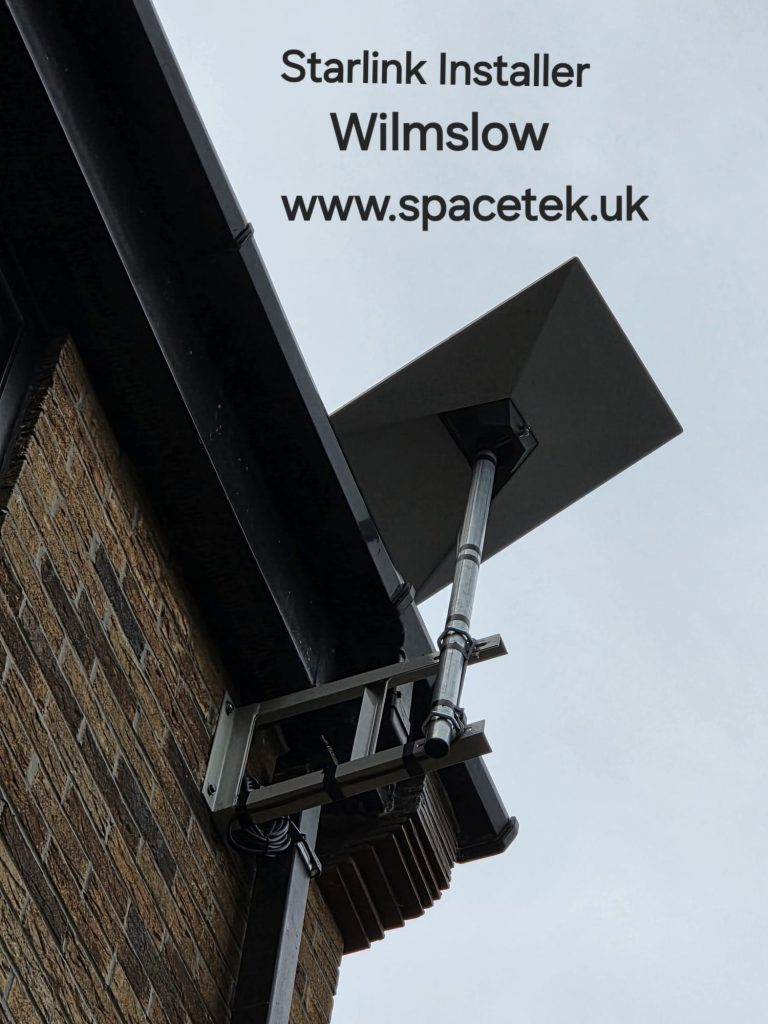
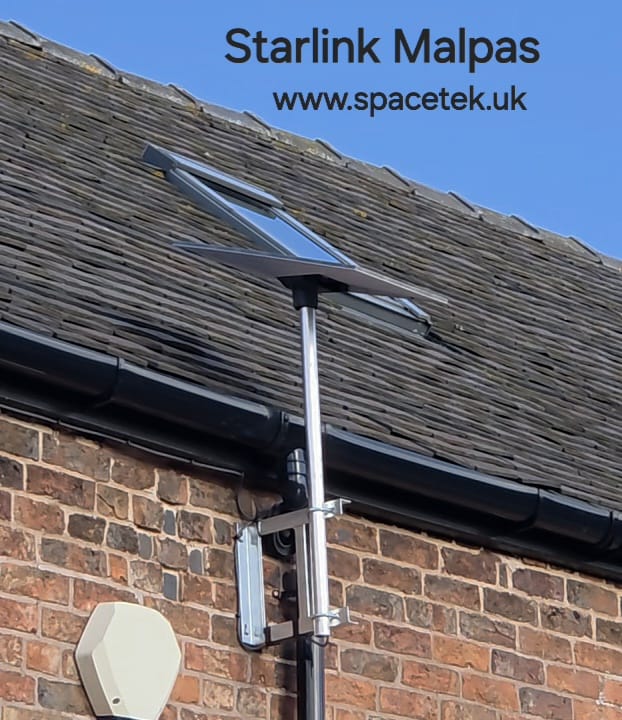
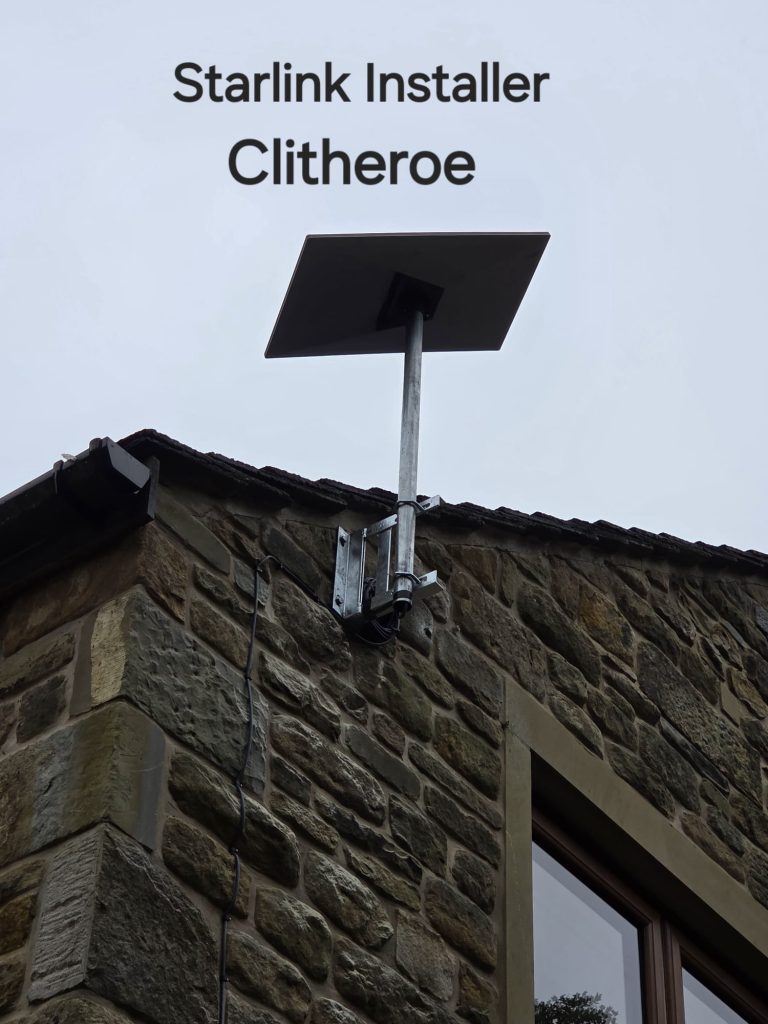
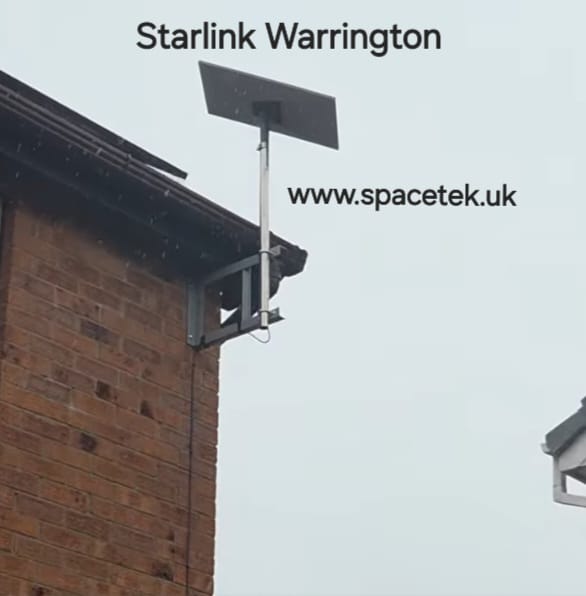
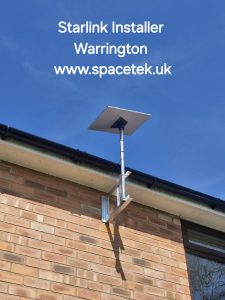
The Starlink app’s obstruction check helps assess the sky view. Trees, adjacent roofs and other structures can rule out an otherwise convenient position. SpaceTek also considers the mounting surface, safe access and a supported cable route back into the property.
A long run to an outbuilding should be planned for the particular hardware and site. Do not assume the dish cable can be extended indefinitely. Where a network must cross between buildings, the connection method and installation route need their own assessment.
If the connection supports a business
Explain whether the service is a primary connection or a backup. A backup arrangement needs compatible network equipment and a failover test; simply connecting a second router will not necessarily keep every device online. Coordinate with the person who manages the existing network before the installation visit.
What to check at handover
- Confirm that the dish and cable entry match the agreed installation plan.
- Check the Starlink app for connection and obstruction information.
- Test the network where people will use it, not only beside the router.
- Make sure you know which equipment belongs to the satellite service and which serves the internal network.
A speed-test result is a snapshot, not a guaranteed minimum for every device or time of day. If indoor coverage is the main issue, changing the Wi-Fi layout may be more useful than moving an already unobstructed dish.
View Warrington installation photographs


Talk to SpaceTek about your Warrington property
Request an installation quote or call 07802 410222. You can also browse our installation gallery.
For hardware-specific positioning and setup, follow the official Starlink Standard installation guide or the instructions supplied with your model.
See also: Starlink installation across Cheshire and all service areas.
Plan your satellite internet installation
Send your postcode, property type and any known Wi-Fi requirements. SpaceTek UK will review the site information and explain the practical next step.