
For a business comparing Starlink installers in Middleton, a clear network handover can prevent confusion on installation day. The outdoor equipment needs a suitable position, but the job also needs an agreed endpoint inside the premises. This guide covers Middleton in Greater Manchester; include the full postcode with your enquiry.
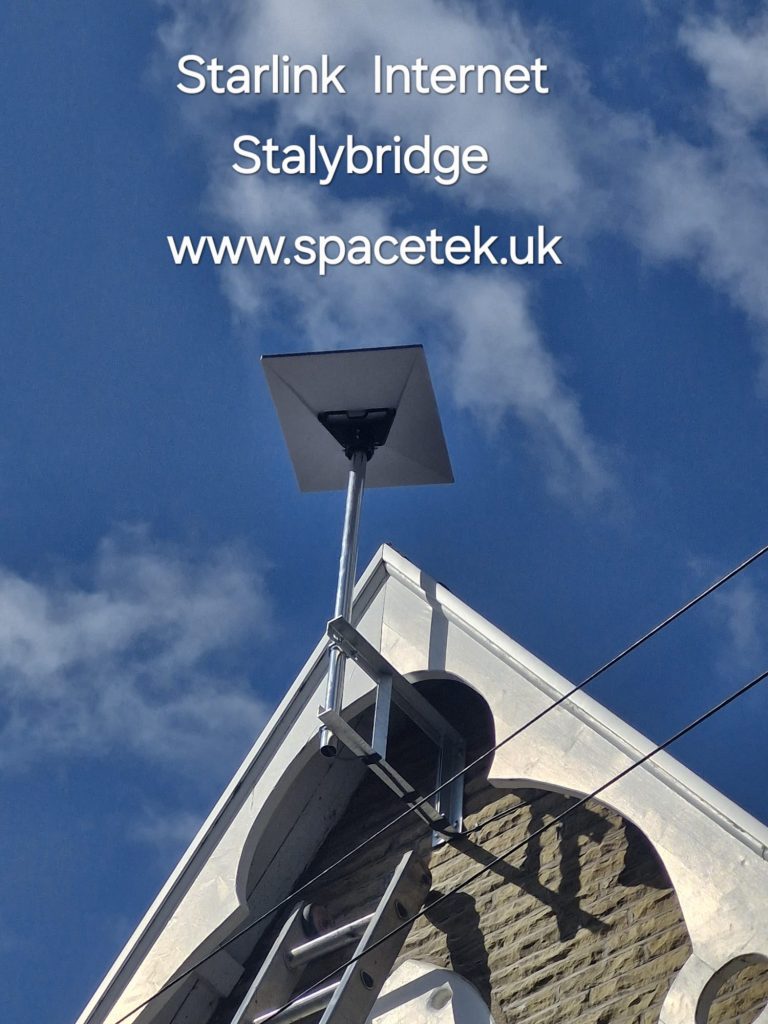
Photo: a SpaceTek installation in Stalybridge, used as a Greater Manchester mounting example. This guide addresses Middleton business enquiries.
Define where the installer’s work meets your IT system
Identify the person who manages your router, firewall or network cabinet. Before booking, agree which connection the installation will deliver and who will configure the business network afterwards. A powered dish is not the same as a fully configured office network, particularly where several companies or contractors share responsibility.
SpaceTek can discuss physical mounting, cable routing and the network work requested. Your IT contact should confirm any specific equipment requirements. Provide model numbers and a description of the intended connection without sending passwords or private configuration exports in the initial enquiry.
Describe the applications that matter
List the work that depends on connectivity: video calls, cloud files, payment terminals, remote access or a monitored system. Explain whether Starlink is intended as the main connection or part of a wider continuity arrangement. Automatic failover and application compatibility need their own assessment; they should not be inferred from the presence of a second internet connection.
If an application supplier has connection requirements, obtain those before choosing equipment. That gives the installer and IT contact a common brief instead of discovering a missing requirement after the cable has been fitted.
Plan the cable endpoint and access
A tidy outside route can still end at the wrong side of a commercial building. Mark the required indoor destination, available power and any existing cable pathway. Explain opening hours, loading areas and who can authorise access to the relevant wall or roof area.
- Full Middleton postcode, business contact and access arrangements.
- Photographs of the proposed mounting area and indoor cable destination.
- Starlink kit and existing network equipment models.
- The named IT contact and agreed division of work.
- Any restrictions on interruption during trading or office hours.
Write down the acceptance checks
Choose a small set of real activities to demonstrate at handover. These might include a meeting from the conference room, access to a cloud application and a wired workstation connection. Where a specialist system is involved, arrange for its responsible provider to perform the relevant check.
Record the installed equipment, cable route and support contacts. This makes it easier to direct a future fault to the right person and helps staff understand which part of the connection they should inspect first.
Can installation be arranged around business hours?
Discuss timing and access when requesting the quotation. The appropriate window depends on the site and agreed work. Do not assume a live network can be altered without interruption; include continuity requirements in the original brief.
Further help with your installation
- A detailed business IT handover checklist
- Planning the network cabinet connection
- Regional installation coverage and local planning advice
Discuss your Middleton, Greater Manchester installation
Send Bob your postcode and a brief description of the job or call 07802 410 222. Photographs taken safely from the ground help us understand the property before arranging the work.
SpaceTek UK is an independent installer. Starlink hardware, subscription and service availability are separate from the installation quotation. Meet Bob and learn about SpaceTek.



