
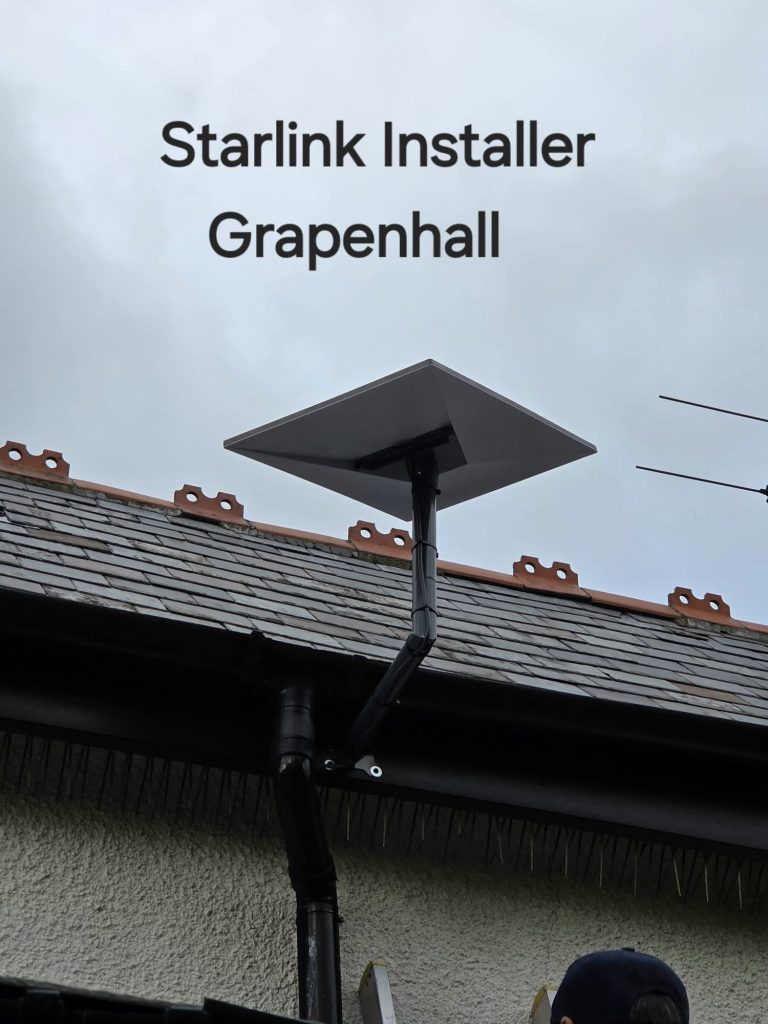
Starlink with TP-Link Deco can be a useful combination when the satellite connection is working but Wi-Fi does not reach the rooms that need it. In our Grappenhall project, the installer mentions a planned Deco mesh system after fitting the dish. The important next step is to design that indoor network, rather than simply add boxes wherever the signal is weakest.
First identify which part of the connection is slow
Compare the experience close to the main router with the problem room. If the satellite connection itself is interrupted, a mesh system cannot remove an obstruction outside. If the connection is good near the router but weak in a distant room, indoor coverage is a more useful place to investigate.
Decide which device will act as the router
There are two broad arrangements. Deco can manage routing, with the appropriate Starlink hardware in bypass mode; or Deco can operate as access points behind a router that continues to manage the network. The correct connection and available options depend on the Starlink and Deco models.
TP-Link explains that Deco access-point mode leaves address assignment to the main router and changes which Deco features are available. Starlink explains that bypass mode disables its router’s Wi-Fi. Do not switch modes casually on a working network: agree which device is responsible for routing, and how existing devices will reconnect.
Place nodes where they can communicate
Draw a simple floor plan showing the main unit, thick walls, extensions and the rooms needing coverage. A wireless node needs a workable connection back towards the rest of the mesh. Placing it in the deepest dead spot may leave it with little useful signal to repeat.
Where suitable Ethernet wiring exists, discuss whether it can provide backhaul between units. Check the specific Deco models and layout before buying. More units are not automatically the best answer to an awkward building.
Make a short equipment list
- The exact Starlink kit and router model.
- The Deco model numbers and whether you already own them.
- Existing Ethernet sockets and where their cables terminate.
- Devices that depend on the current Wi-Fi name or fixed network settings.
- The rooms where a before-and-after check will be most useful.
Will changing the Wi-Fi name affect household devices?
It can. Printers, cameras and other devices may need reconnecting or checking. Include those in the handover instead of testing only one phone. If someone else manages the network, agree the change with them first.
Consult TP-Link’s comparison of Deco router and access-point modes and Starlink’s bypass-mode guidance. These describe the choices; the final setup must match your equipment. Our larger-home Wi-Fi guide helps with the room-by-room planning.
Project example: Starlink Installation in Grappenhall: Getting a Home Connected.
See the Grappenhall installation
YouTube loads only when you choose to play and allow its cookies.
Discuss your installation with SpaceTek
Send your postcode, kit details and photographs of the property. Request an installation quote or call Bob on 07802 410 222. See our installation service areas and meet SpaceTek UK.
Plan your satellite internet installation
Send your postcode, property type and any known Wi-Fi requirements. SpaceTek UK will review the site information and explain the practical next step.



