
A useful Wilmslow Starlink handover leaves the household able to recognise its equipment and ask the right person for help. The dish may be professionally fitted while the service account belongs to the homeowner and additional Wi-Fi equipment has its own controls. Make those boundaries clear before the visit finishes.
Keep the service account with its owner
Identify the person who ordered the equipment and who will manage the subscription. They should retain access to the email address and account recovery method. Enter credentials directly when needed rather than sending passwords with property photographs or leaving them on a public-facing instruction sheet.
If the kit was obtained second-hand, check its activation or transfer position directly with Starlink before booking work that assumes it can be used. Physical possession of a dish does not establish that the account-side arrangements are complete.
Create an equipment record you can understand
Ask for the dish and router model names, the location of power equipment and any additional access points or network switches included in the installation. Record which cables should remain connected. Photograph labels for your own secure records where useful, keeping account and serial information out of public posts.
Separate three kinds of support question
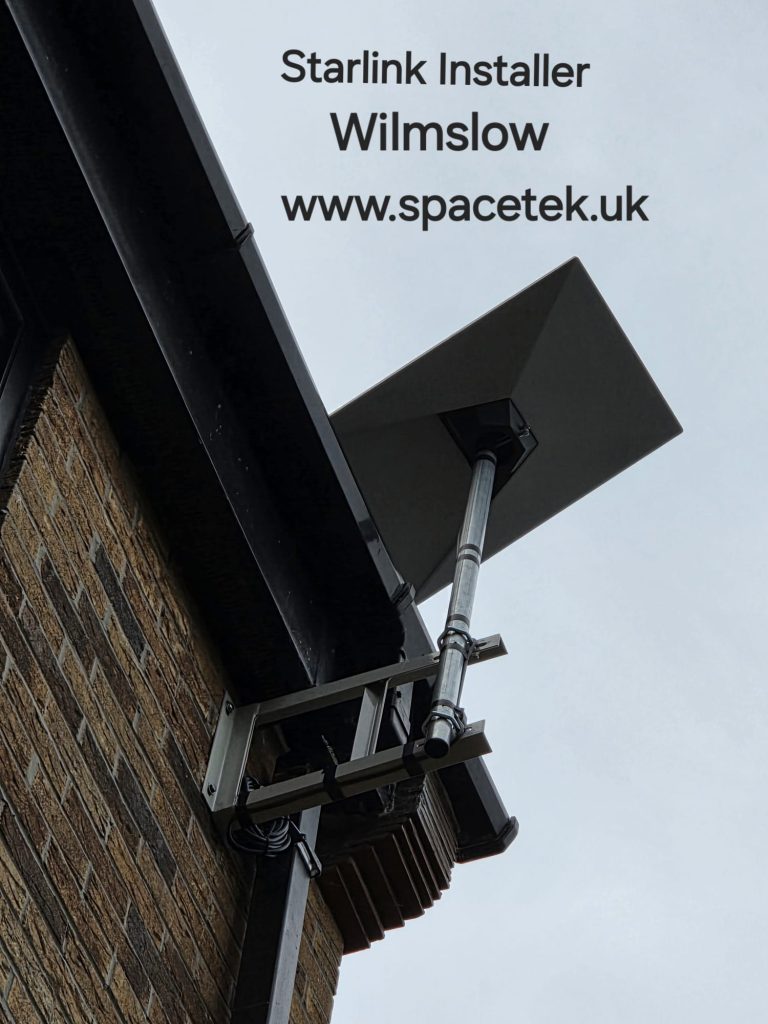
- Physical installation: the mount, agreed cable route and work performed on the property.
- Indoor network: mesh settings, wired sockets or additional equipment, according to the quoted scope.
- Provider service: subscription, billing, activation and provider-side faults.
Write down the relevant contact for each rather than assuming every question belongs to the installer. If an existing IT provider manages the house or business network, include them in the handover.
Demonstrate an ordinary day
Use the devices that matter: a work laptop, a television or a phone in the room where it is normally used. Ask how to recognise the network and where to find the app’s status information. A successful test beside the router should not be described as proof of coverage in an untested annex.
Keep a brief note of any excluded rooms or follow-up work. That helps distinguish a new problem from an area never included in the original quotation.
Leave a simple household note
List the equipment location, approved basic checks and the installation contact. Keep sensitive credentials separately. Someone who did not attend the visit should still be able to report “the router has power but the app shows offline” without opening cupboards and disconnecting cables at random.
Related Wilmslow guides
Discuss your Wilmslow installation
Send SpaceTek your postcode, equipment details and property photos or call Bob on 07802 410 222. SpaceTek UK is an independent installer; Starlink service and subscription arrangements are separate.



