
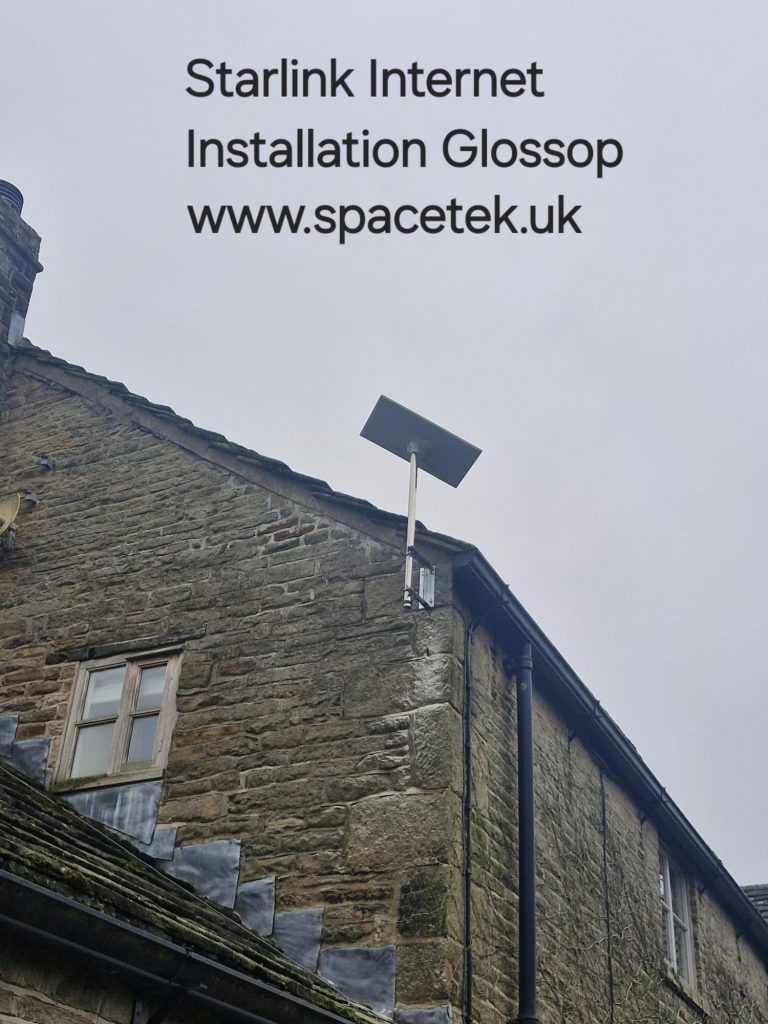
Starlink backup internet in Glossop should be specified by what the business needs to keep doing during a broadband interruption. A second connection is useful only if the required devices can reach it and the applications work when the route changes. Start by agreeing the result with whoever manages your network.
This guide is a test plan for a proposed backup installation. For the outside mounting work, see the Glossop stone-gable example; for an existing service interruption linked to the dish’s view, use our Glossop obstruction checklist.
Name the essential tasks and the responsible person
List the systems that matter during an interruption, such as the booking system, cloud files, work calls or an approved remote-access service. Record how each one is reached and who can test it. A guest network or large background download may be less important than a small business-critical application.
Ask the IT contact about requirements involving public addressing, VPNs and permitted connections. Confirm compatibility before ordering the backup service. An installation quote should not assume that every application will accept a change of internet route without additional work.
Agree how switching will happen
Starlink’s enterprise support guidance confirms that Starlink can be used as a backup connection. Integrating it into an existing network needs an agreed design. Decide whether staff will switch manually or whether compatible routing equipment will detect a failure and switch automatically.
Have the IT provider specify the router or firewall, the connection to the Starlink kit and which service is normally preferred. Ask what counts as a failed connection and when the system will return to the primary service. A device remaining linked to a powered router does not, by itself, prove that the internet beyond it is working.
Find the dependencies shared by both services
Two connections can still depend on the same power supply, firewall, switch or wireless access point. Draw a simple route from each incoming service to the essential devices and mark the components they share. This makes a possible single point of failure visible before the handover.
If continuity during a power interruption is required, have the relevant equipment and supported backup runtime assessed by a suitable professional. Include indoor networking in that discussion. The ability of one device to stay powered does not establish that the whole path remains available.
Turn the handover into a controlled test
Arrange a suitable maintenance window with the person responsible for the network. Agree what may be interrupted and how the original state will be restored. The following checks should have named owners and recorded results:
- Normal operation: confirm the preferred route and demonstrate the essential applications.
- Primary service interruption: use an agreed safe method to simulate the failure and observe whether switching occurs.
- Application recovery: record which sessions continue, reconnect or need user action.
- Primary service restored: check the agreed return behaviour and whether another interruption occurs.
- Backup unavailable: confirm that the responsible person can identify this before it is needed.
Keep the test concerned with the normal network and permitted test accounts. Do not disrupt live payments, bookings or other essential activity merely to demonstrate an installer’s connection.
Keep the backup ready after installation
Record the service owner, network administrator and installation contact. Agree a periodic check appropriate to the business, especially after router changes or building work. Confirm the current plan remains suitable and active for the intended use; a spare dish in storage is a different arrangement from a ready backup connection.
Provide SpaceTek with the Glossop postcode, safe exterior photographs and the indoor connection point your IT provider needs. The High Peak server-room project gives a separate regional example of planning an outside installation around a specific indoor destination.
Discuss the installation part of a Glossop business backup plan or call Bob on 07802 410 222. SpaceTek is an independent installation business; your Starlink subscription is arranged separately.
Plan your satellite internet installation
Send your postcode, property type and any known Wi-Fi requirements. SpaceTek UK will review the site information and explain the practical next step.



