
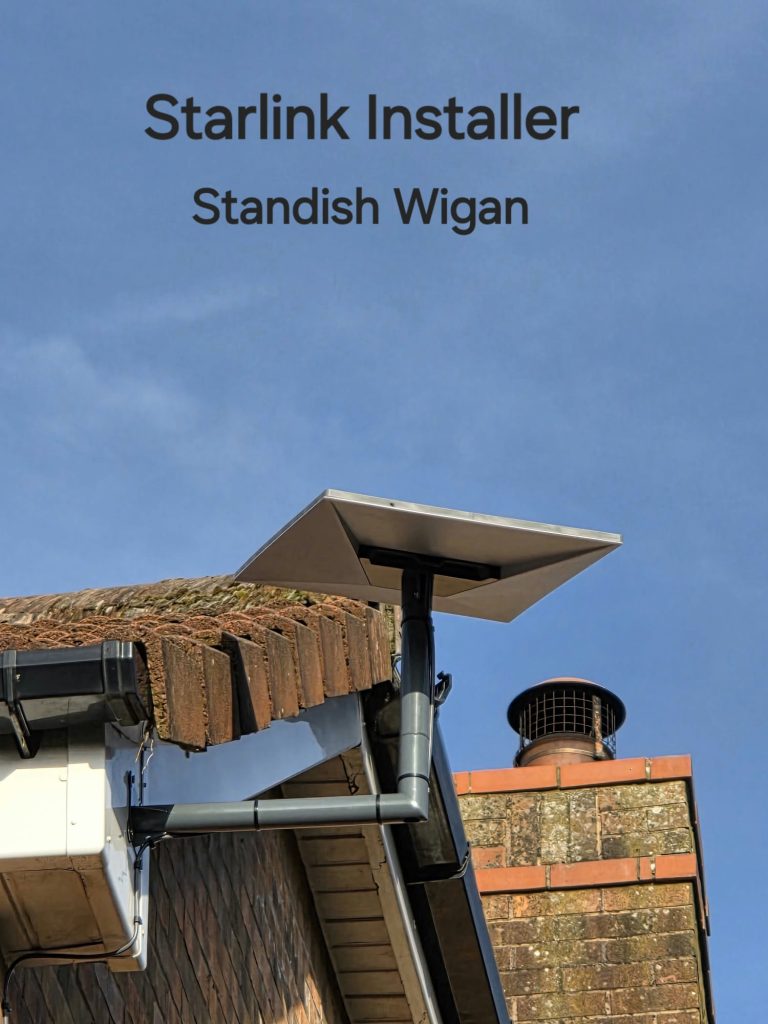
Starlink speed tests are useful only when you know what is being measured. A service-plan label, a router-to-internet result and a phone’s Wi-Fi result describe different things. Our Standish project is a good starting point: the video mentions a customer choosing a 200 Mbps package, which is a plan choice rather than a published test result.
Start with the plan in your account
Check the service plan currently attached to your kit and address. A speed limit stated in a plan is not a guarantee that every device will run at that speed all the time. Equally, a faster headline figure for another plan does not mean your connection is faulty.
Starlink’s troubleshooting guidance advises comparing results with the expectations for the subscribed plan. Plans change, so use the details in your account rather than a package name mentioned in an older installation video.
Understand the three connections
- Router to internet: assesses the connection available to the local network.
- Device to router: helps assess the local link, including Wi-Fi.
- Device to internet: measures the end-to-end experience through both parts.
Starlink explains these distinctions in its app speed-test guidance. If the local device connection is substantially weaker than the router’s internet connection, improving room coverage may be more useful than relocating an already well-positioned dish.
Keep the comparison fair
Use the same device and record where it is connected. Note whether large downloads, backups or other users were active. Compare a normal working position with a position closer to the router. A single result taken during a busy period should not become the only evidence for replacing equipment.
Record upload performance and responsiveness as well as download speed if your main use is work calls or sending large files. Also note actual symptoms: a meeting disconnecting is different from a large download taking longer than expected.
What to send when asking for help
- The plan name and the type of test used.
- The time, room and device for each result.
- Whether other devices have the same problem.
- Any relevant app alert or recurring interruption.
- Whether a third-party router or mesh system is involved.
Can an installation video predict my speed?
No. A video can document a reported observation or explain the chosen setup. It cannot guarantee future performance at a different address. Keep project results in context and assess your own service under normal use.
Sources: Starlink’s speed-test explanation and slow-speed troubleshooting. For the physical installation side, see our guide to choosing installation help.
Project example: Starlink Installation in Standish: An Offset Gable Mount.
See the Standish installation
YouTube loads only when you choose to play and allow its cookies.
Discuss your installation with SpaceTek
Send your postcode, kit details and photographs of the property. Request an installation quote or call Bob on 07802 410 222. See our installation service areas and meet SpaceTek UK.
Plan your satellite internet installation
Send your postcode, property type and any known Wi-Fi requirements. SpaceTek UK will review the site information and explain the practical next step.



