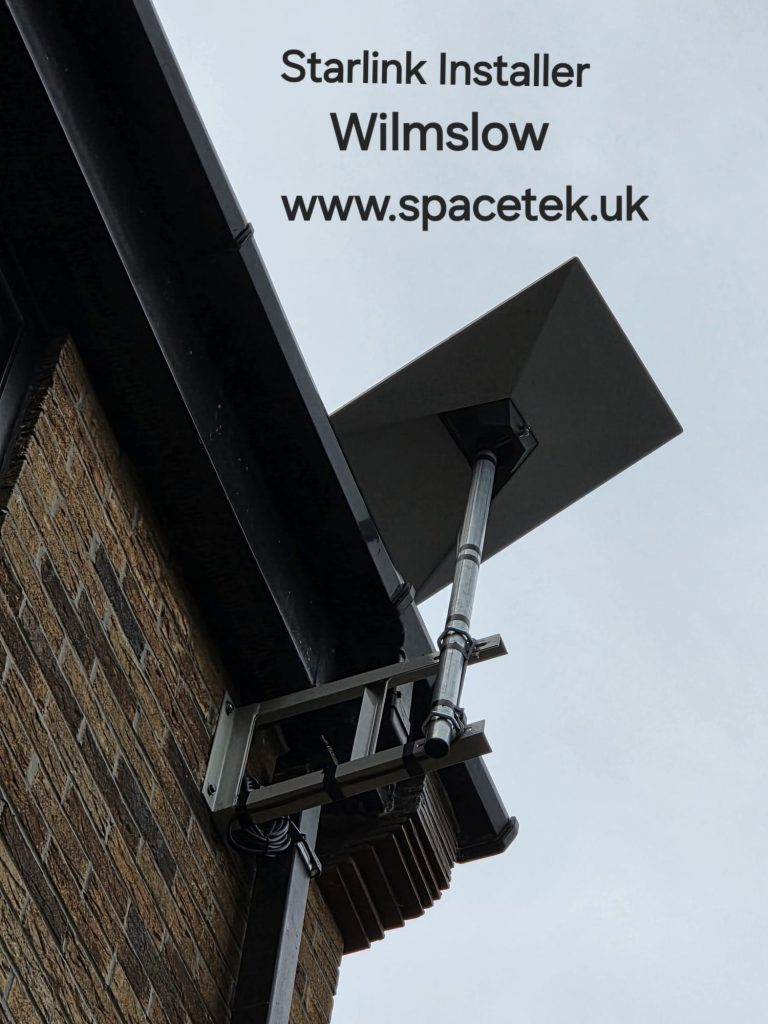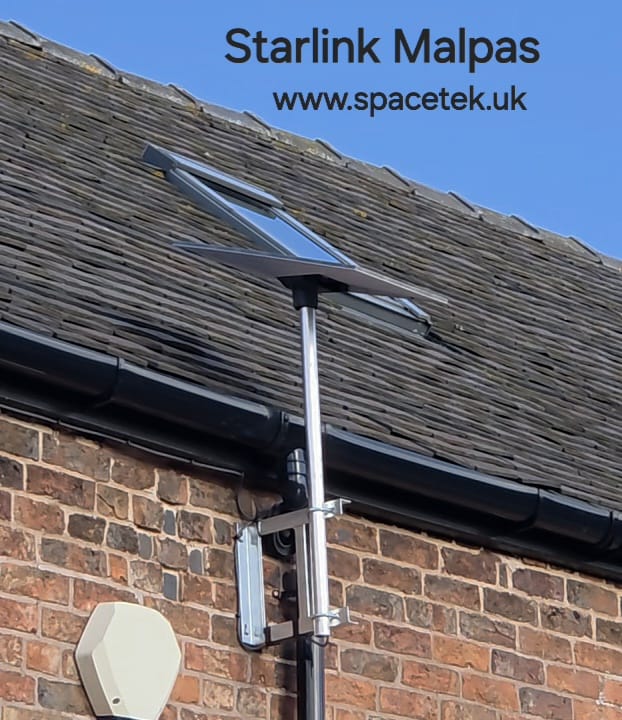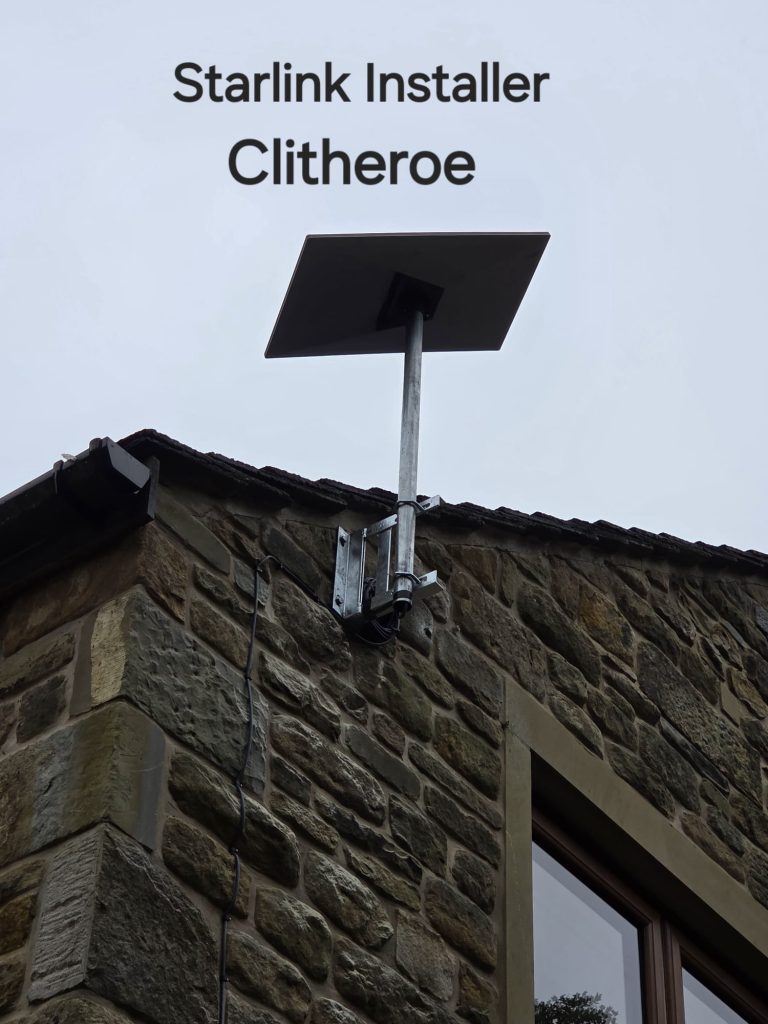
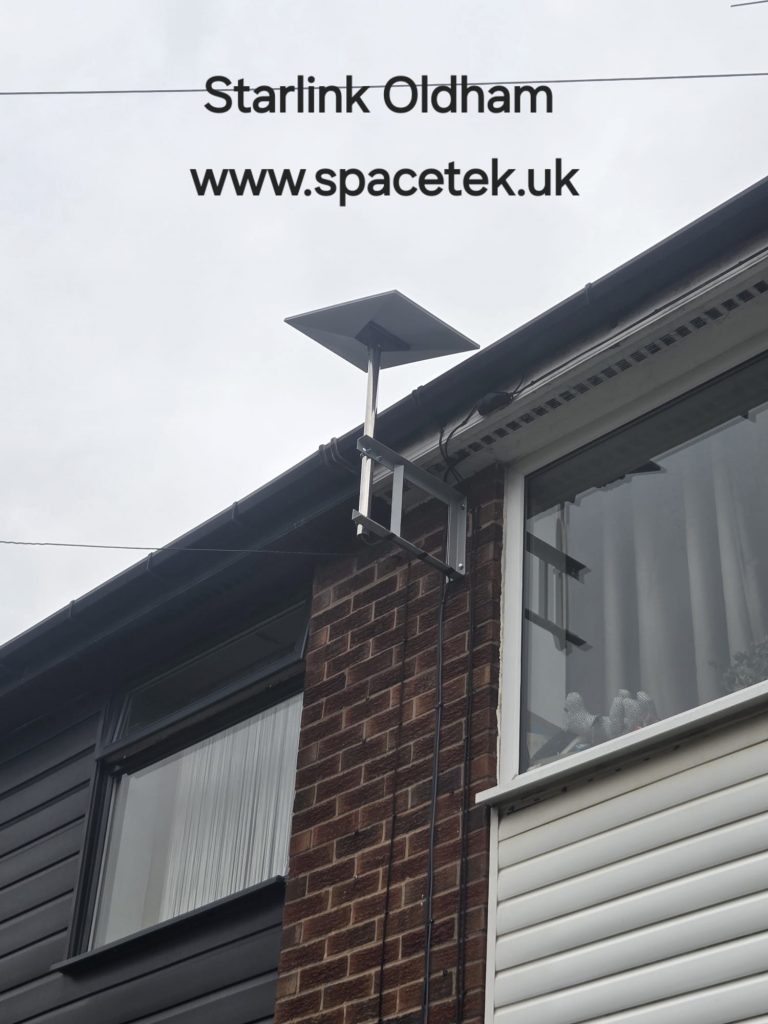
On an Oldham property, the outside installation and indoor coverage can present very different challenges. An exposed mounting position needs careful assessment, while thick walls or an extension can limit Wi-Fi even when the dish has a good connection.
Height alone does not make a good mount
Raising a dish can help it clear surrounding obstructions, but the mounting surface, bracket and access arrangements must also be suitable. A longer pole is not an automatic solution. SpaceTek assesses the proposed position in relation to the building and its exposure before selecting the hardware.
Provide photographs taken safely from ground level. Include the wall or roof area, nearby trees and the route into the building. The Starlink app can help assess obstructions; the view needs to be considered at the intended installation position rather than assumed from the garden.
Keep the cable route practical
Agree where the cable will enter and where the indoor equipment will sit. The route should be supported and protected, with the entry finished appropriately for the surface. Tell us about rooms that have already been decorated, areas with difficult access and any existing cable routes you would prefer to use.
Working with stone walls and extensions
If a connection works well beside the router but poorly at a desk in another room, the indoor network may be the limiting factor. Several solid walls can make a distant mesh unit ineffective if that unit also receives a weak signal.
A wired access point or Ethernet connection to a fixed workspace may provide a more predictable route. The choice depends on the building and the cable access available, so we discuss it alongside the dish installation.
Diagnosing an existing installation
- Note whether the problem affects all devices or one room.
- Check whether interruptions coincide with obstruction warnings.
- Describe any movement, loose cable or visible damage from a safe position.
- Share the hardware model and where the router is located.
Do not climb onto the roof or adjust high-level equipment to collect this information. A repair or relocation visit can be scoped from your description and photographs, with the final work agreed after assessment.
Before arranging a visit
Send the postcode, building type and whether you already own the Starlink kit. Include the rooms requiring coverage. This lets us quote for a complete installation rather than discovering extra networking requirements after the dish has been fitted.
View Oldham installation photographs

Talk to SpaceTek about your Oldham property
Request an installation quote or call 07802 410222. You can also browse our installation gallery.
For hardware-specific positioning and setup, follow the official Starlink Standard installation guide or the instructions supplied with your model.
See also: Starlink installation across Greater Manchester and all service areas.
Plan your satellite internet installation
Send your postcode, property type and any known Wi-Fi requirements. SpaceTek UK will review the site information and explain the practical next step.