
If you notice problems with Stalybridge Starlink after bad weather, useful information can be gathered without touching equipment at height. Note what stopped working, when it happened and whether anything looks different from the ground. That gives the relevant support provider a better starting point than assuming every interruption means the dish has moved.
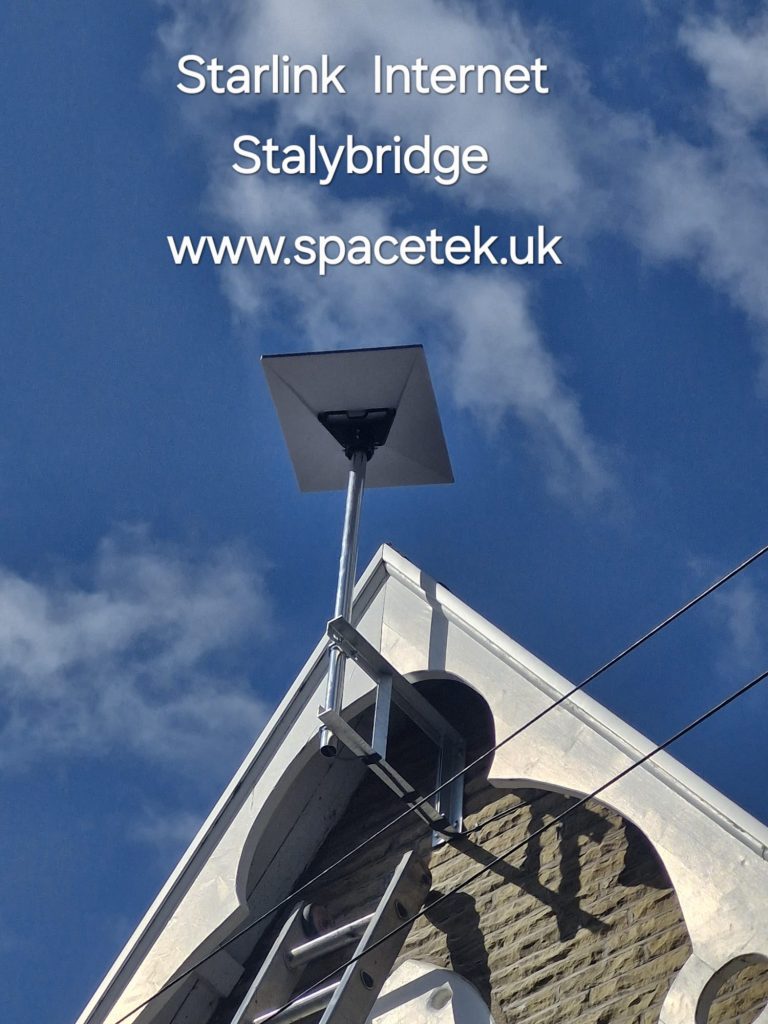
Begin with safety and visible changes
Stay clear of visibly loose equipment, damaged cables or material that might fall. Do not climb, lean a ladder against the installation or attempt to straighten a dish or pole. Where damage presents an immediate hazard, keep people away and arrange appropriate professional assistance.
If it is safe to observe from ground level, compare the installation with an earlier photograph. Note an obviously changed position, a hanging cable or damage near the route. A photograph taken from a safe place can help the installer assess what access may be required.
Distinguish a service problem from a room problem
Does every device lose internet access, or only one television or computer? Is the local Wi-Fi network visible? Are there messages in the Starlink app? Record what you see and the approximate times without changing several settings at once. Keep screenshots free of account credentials before sharing them.
A problem confined to one room may involve indoor coverage or a particular device. An interruption across the property has a different scope. Weather occurring at the same time is useful context, but it does not prove the cause by itself.
Use the appropriate support route
- For an account or service issue, consult the Starlink app and Starlink support.
- For visibly changed mounting or cable damage, contact the installer and explain the safe observations.
- For an existing business network, involve its IT provider before configuration changes.
Follow the equipment manufacturer’s troubleshooting instructions where safe and appropriate. Do not open equipment or handle electrical connections affected by water. A physical inspection may be needed before an installer can give a firm repair scope.
Keep a baseline for the future
After installation or repair, retain a ground-level photograph, the equipment model and a simple note of the indoor layout. Those records make a later comparison more useful. Our Stalybridge installation guide covers the planning and handover details worth recording from the start.
Related Stalybridge guides
Discuss your Stalybridge installation
Send SpaceTek your postcode, equipment details and property photos or call Bob on 07802 410 222. SpaceTek UK is an independent installer; Starlink service and subscription arrangements are separate.



