Starlink has become the practical answer for caravan pitches, motorhome trips and static holiday homes where the park Wi-Fi is weak and mobile signal is worse. SpaceTek UK fits Starlink on leisure units across the North West and beyond, and the questions are nearly always the same: which plan, which kit, how to mount it without damaging the unit, and how to power it.
Roam or Residential?
Starlink’s Residential plans are tied to a service address, which suits a static holiday home that stays on one park. Roam is the plan for anything that moves: Starlink’s UK site listed it from £55 a month when checked on 22 October 2026, alongside Residential from £40. Check Starlink’s current UK plans before ordering, because the terms for pausing service, using the kit abroad and in-motion use change from time to time.
Starlink Mini or the standard kit?
The Starlink Mini is compact, has its Wi-Fi built in and draws far less power, which is why it has become the default choice for motorhomes and campervans. The standard residential kit performs better in a fixed position and makes more sense for a static holiday home with mains power. Starlink publishes the power draw and supported power inputs for each kit; on a vehicle, those figures decide whether you run from the leisure battery, a 12 V supply or an inverter.
Mounting without damaging the unit
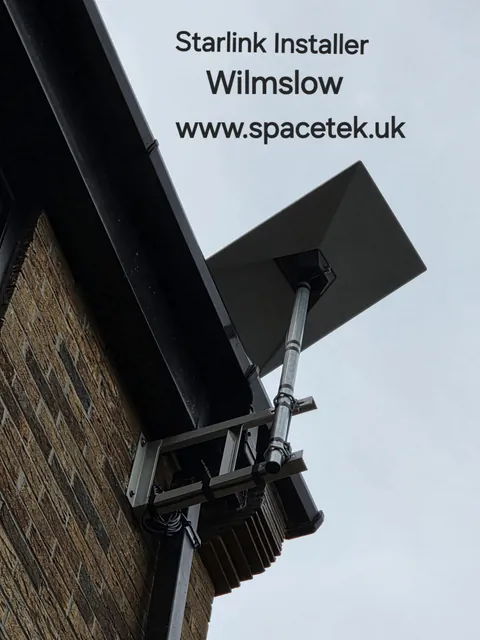
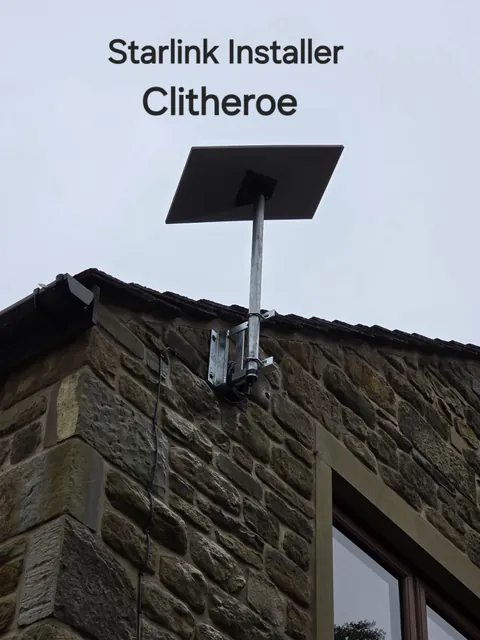
- Static holiday homes. Most park owners have rules about fixing to the unit’s skin or roof. A wall bracket on a solid fixing point, a short pole, or a ballasted flat-roof mount that sits on a paving slab avoids drilling altogether. Check the park’s rules before the kit is ordered.
- Caravans. A removable mount that goes up on the pitch and comes down for towing is the usual answer. Fixing points, skylight frames and A-frames can all work depending on the van.
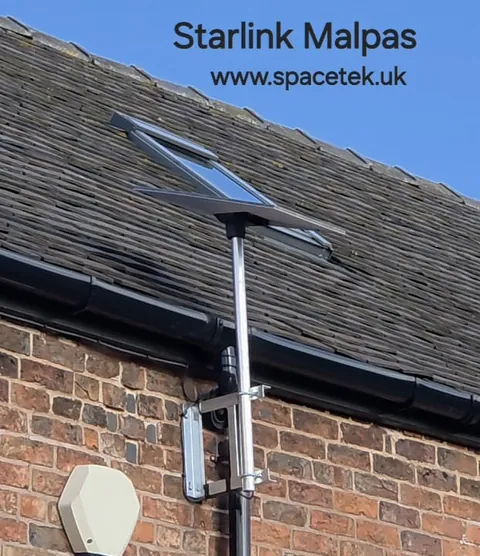
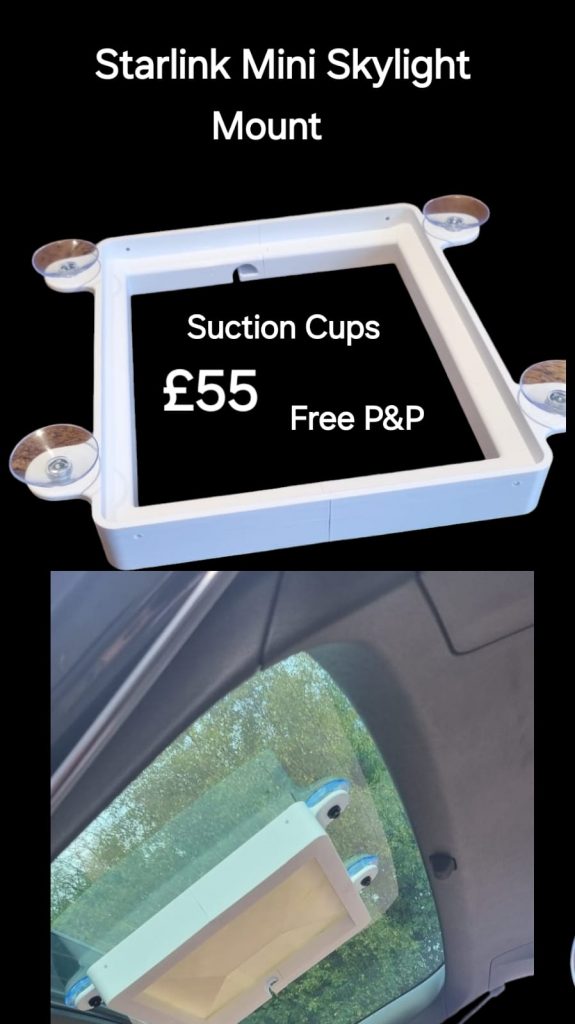
- Motorhomes and campervans. Roof and skylight mounts keep the Mini low and out of the way. Starlink’s guidance on in-motion use should be followed before a dish is fitted to a vehicle that will be driven with it connected.

Power and cabling on a pitch
Keep the cable run short, protect it where it crosses a step or a doorway, and seal the entry if it passes through a wall or floor. On a vehicle, think about where the router or Mini will sit so that the Wi-Fi reaches the whole living space, and make sure the power connection is fused and tidy. On a static, a single mains socket near the entry point is usually all that is needed.
Trees, hedges and the view of the sky
Pitches are often chosen for shade, which is the one thing Starlink does not want. Use the obstruction check in the Starlink app from the pitch before fixing anything; a position a few metres along, or a short pole, often turns an intermittent connection into a reliable one.
Related projects
- A Starlink installation on a canal boat – the same principles afloat.
- SpaceTek’s static holiday home and leisure service.
- Starlink mounting options compared.
Discuss your caravan, motorhome or holiday-home installation
Send SpaceTek UK your postcode, property or vehicle details and whether you already have the Starlink kit. Request an installation quote or call Bob on 07802 410 222.
See where SpaceTek installs, learn more about SpaceTek UK, or browse more installation projects and guides.
Plan your satellite internet installation
Send your postcode, property type and any known Wi-Fi requirements. SpaceTek UK will review the site information and explain the practical next step.