
Dukinfield Starlink uploads deserve attention if your working day includes cloud backups, sending large files or joining video calls. A headline download result does not describe all of those tasks. When planning a connection, explain what leaves the property as well as what you stream or download.
Describe the workload in ordinary terms
An installer or IT provider can work more usefully with “two people on calls while the office backs up photographs” than with a request for the fastest possible internet. List the applications, typical file transfers and times when work is busiest. Note whether those activities run together or can be separated.
Keep customer files and confidential work out of any quotation material. File sizes and the types of activity are usually enough to explain the requirement. Do not treat one successful transfer as a promise of constant performance at every time of day.
Separate the internet link from the room connection
A computer on a weak Wi-Fi connection can struggle before traffic reaches the satellite service. Compare the location of the affected device with the router or nearest access point. If a suitable existing wired connection is available, an IT provider can use it as part of a controlled comparison.
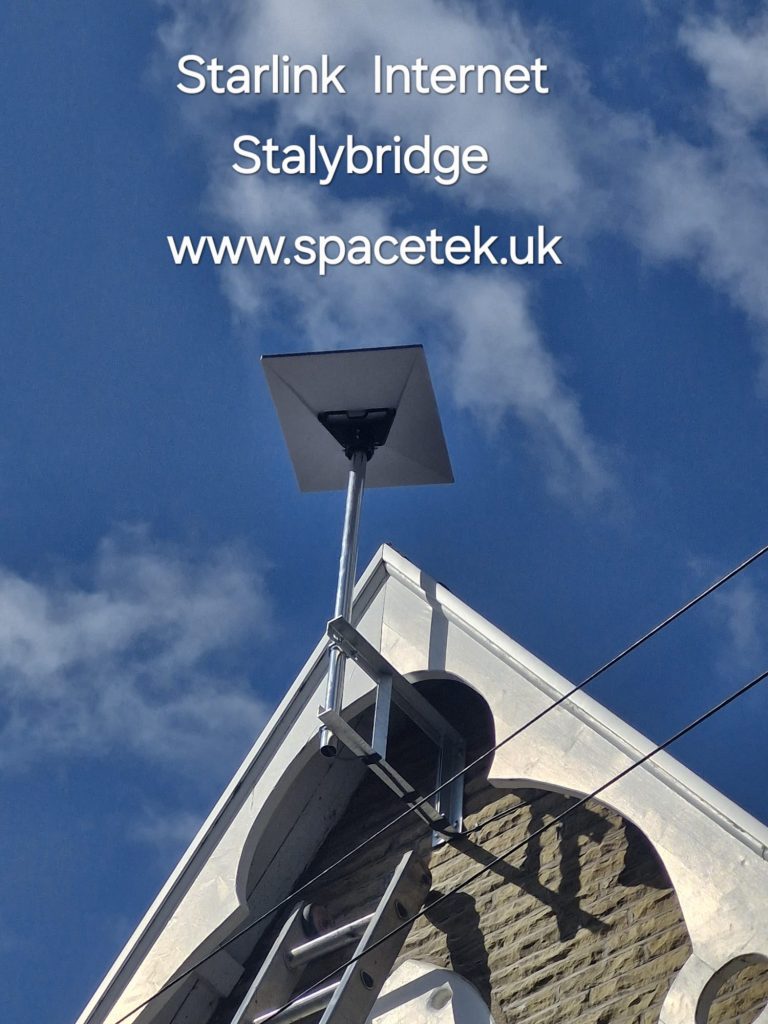
Record the device, room, time and application when a problem occurs. A repeatable pattern during a scheduled cloud backup provides a different starting point from brief interruptions across every device. The photograph illustrates outdoor mounting only; it cannot establish the indoor Wi-Fi quality or the upload performance of that installation.
Consider scheduling and network management
Where practical, move large non-urgent backups outside the busiest call periods. An IT provider can assess whether the existing router offers appropriate traffic management and whether changing its configuration would help. Avoid making unexplained settings changes during a working day when others depend on the connection.
Agree a realistic handover exercise
- Run a representative call from the actual work area.
- Try a non-confidential file transfer using the normal application.
- Record whether a backup or other transfer is running at the same time.
- Confirm who will investigate service interruptions, Wi-Fi issues and application faults.
The aim is an evidence-based starting point, not a guaranteed speed. For the physical installation brief, use our Dukinfield installer guide.
Related Dukinfield guides
Discuss your Dukinfield installation
Send SpaceTek your postcode, equipment details and property photos or call Bob on 07802 410 222. SpaceTek UK is an independent installer; Starlink service and subscription arrangements are separate.



