
Roof repairs at a Prestbury property can affect a Starlink installation even when the dish itself is working normally. A roofer may need access to the supporting surface or cable route, and temporary scaffolding may change the surrounding view. Coordinate the work before either trade arrives.
Mark the equipment on the roofing plan
Show the dish, support, cable route and indoor destination in the information given to the roofer. Explain whether the internet is needed for work, alarms or other important uses during the project. That allows the household to plan any interruption instead of discovering it when equipment is moved.
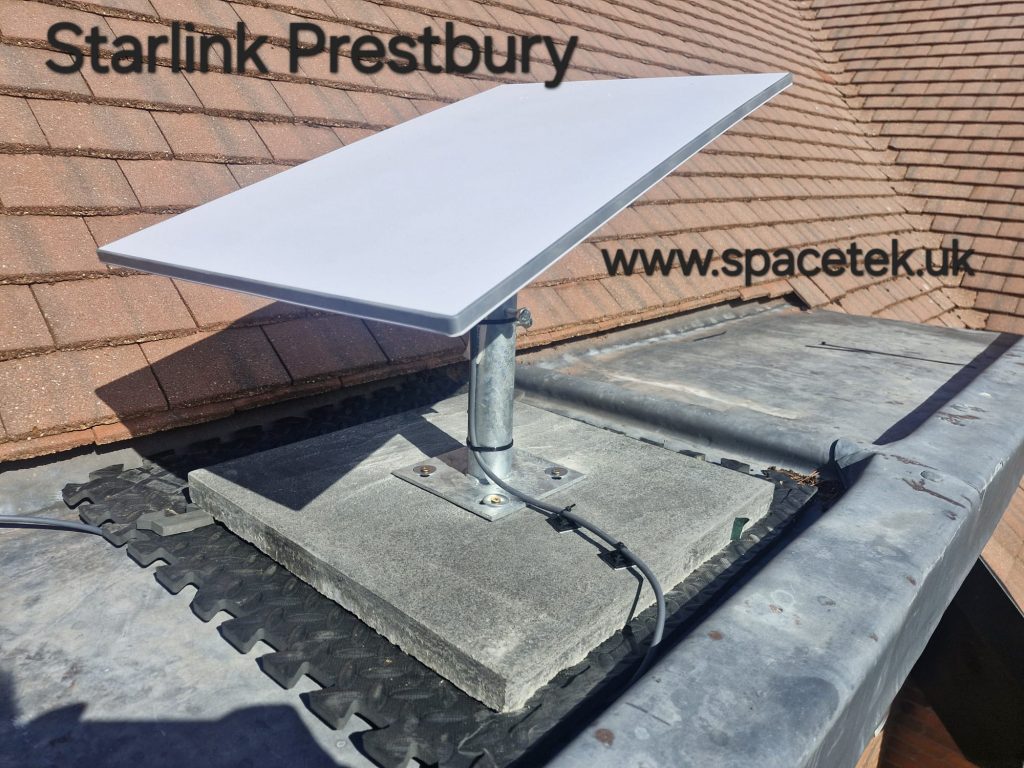
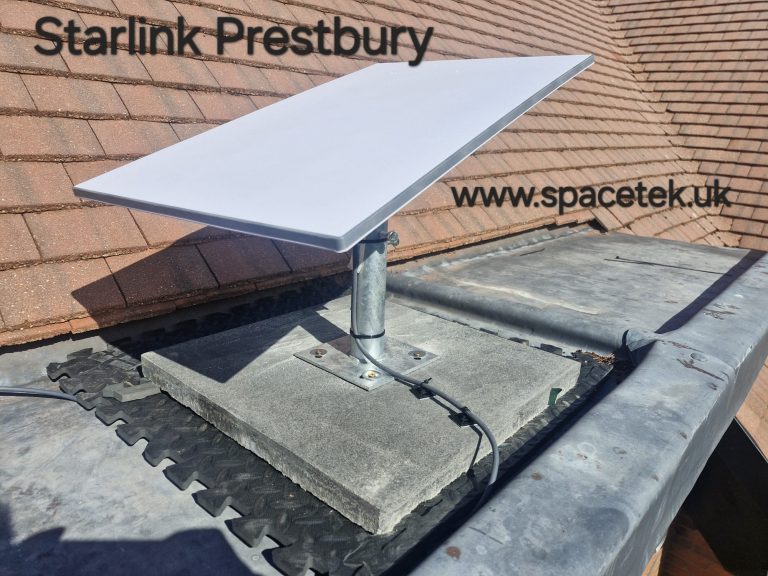
The Prestbury photograph below shows a mounting arrangement beside a pitched roof. On this type of layout, work to one section can affect access to another. Have the trades agree the working area and who will handle each part of the installation.
Agree whether removal is necessary
The roof specialist and installer should assess what needs to be disconnected, protected or relocated. Do not assume the support can simply be slid aside with cables attached. Its contact with the roof, stability and reconnection requirements matter.
If a temporary connection is important, ask whether an alternative position can be assessed and quoted. Temporary equipment still needs a suitable support, safe cable route and appropriate sky view. A location on the ground is not automatically a usable substitute.
Record a clear sequence
- Agree the proposed roof work and installation responsibilities.
- Schedule any disconnection and equipment handling.
- Complete the roof work and confirm the surface is ready.
- Reassess and refit the installation as agreed.
- Check the connection indoors and update the route record.
Keep an allowance for changes revealed when roofing work starts. The original mounting decision may need review if the roof build-up, access or surrounding structure changes.
Check more than a returned Wi-Fi name
After reconnection, use the app’s status information and test the rooms or devices that matter. Ask the installer to explain any revised cable route or support. Record damage or outstanding work with the responsible trade rather than assuming a temporary arrangement is the permanent finish.
This coordination helps preserve both the roof work and a maintainable internet installation. It also gives the household a realistic view of interruptions while the project is underway.
Related Prestbury guides
Discuss your Prestbury installation
Send SpaceTek your postcode, equipment details and property photos or call Bob on 07802 410 222. SpaceTek UK is an independent installer; Starlink service and subscription arrangements are separate.



