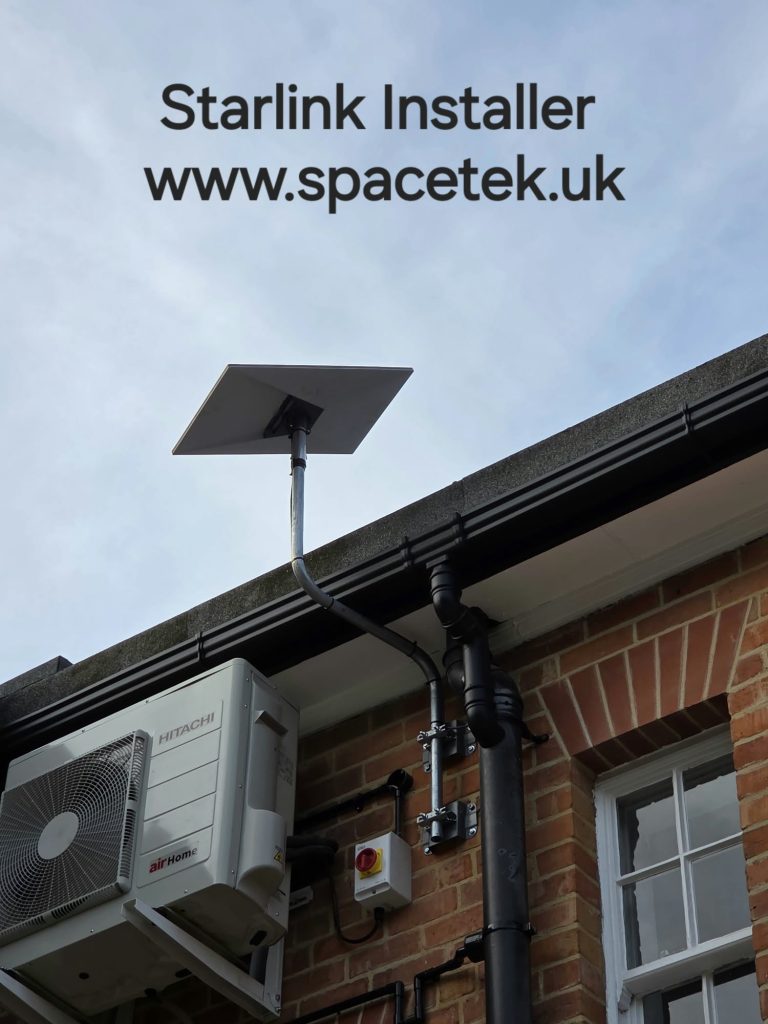
A Starlink Ethernet home office connection can be worth considering when a desk is far from the router or when Wi-Fi performance varies around the house. Our project near Cheadle Hulme brings the installation cable towards an office. That video documents the entry route; it does not establish that an Ethernet office network was fitted.
Distinguish the dish cable from the office network lead
The cable serving the Starlink hardware and an Ethernet lead connecting a computer to the local network have different roles. Do not assume that an ordinary network extension can be inserted anywhere in the dish’s cable run. Identify the exact kit and its supported network connection first.
Starlink’s router and adapter requirements vary by hardware generation. Share the kit model and any existing router, switch or docking station with the installer so the connection can be planned around the equipment you actually own.
Choose the network endpoint at the desk
Think about where the working device normally sits. A desktop may have a built-in Ethernet port; a laptop may use a dock or compatible adapter. If several devices need wired connections, discuss the appropriate local network equipment rather than assuming a spare port on any box will work.
Agree the route inside the property, including doors, stairs and places where furniture may move. Existing network sockets can help, but check where they terminate and whether they are connected. A socket on the wall is not proof of a working network link.
What a wired connection can improve
A working Ethernet link removes the Wi-Fi hop between that device and the network endpoint. It can make that local part of the connection more predictable. It does not eliminate satellite obstructions, change the subscribed plan or guarantee that a remote work service will always respond quickly.
If the problem affects all devices, investigate the wider connection. If only the office struggles while devices near the router work well, the indoor path deserves attention. This distinction helps avoid spending money on the wrong part of the system.
Test the work, not just a download
- Sign in to the employer’s approved VPN if one is required.
- Try a normal video or audio meeting.
- Open the shared systems and cloud tools used daily.
- Check printing or local devices that must remain reachable.
- Compare the desk connection with the previous setup and record any remaining issue.
Will an Ethernet lead solve a VPN problem?
Not necessarily. A VPN can depend on configuration and network policy outside the home. Starlink publishes VPN guidance, while an employer’s IT team remains the right contact for its own system. Test the required application before relying on a new connection for a critical working day.
References: Starlink’s router connection guidance and VPN compatibility guidance. See our garden-office article if the workspace is in a separate building.
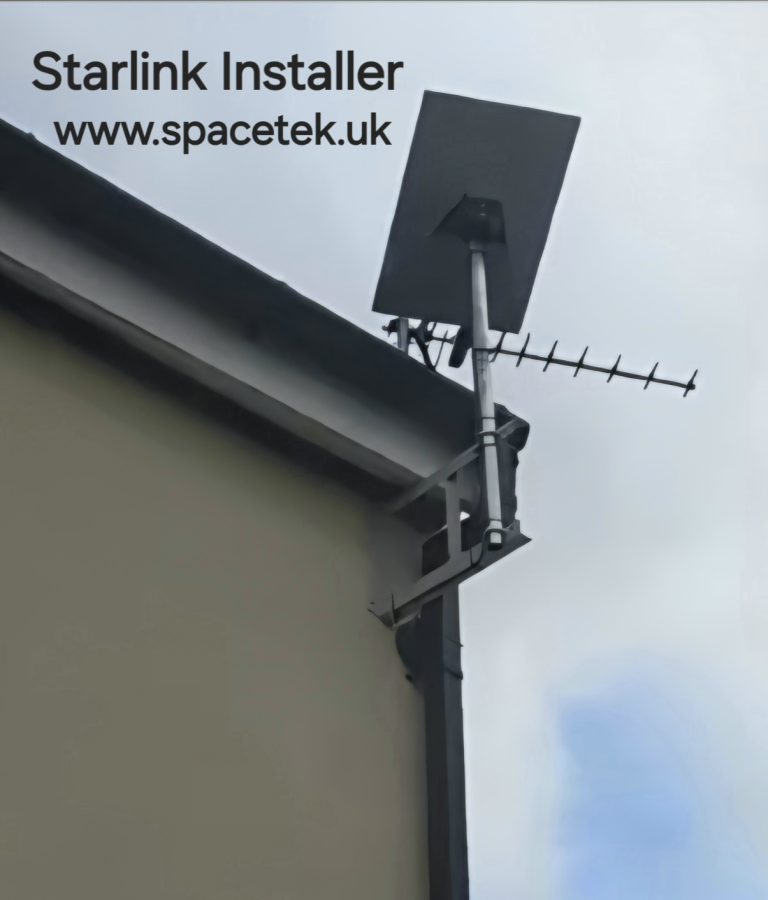
Project example: Starlink near Cheadle Hulme: A Pole Mount and Office Connection.
See the Cheadle Hulme installation
YouTube loads only when you choose to play and allow its cookies.
Discuss your installation with SpaceTek
Send your postcode, kit details and photographs of the property. Request an installation quote or call Bob on 07802 410 222. See our installation service areas and meet SpaceTek UK.
Plan your satellite internet installation
Send your postcode, property type and any known Wi-Fi requirements. SpaceTek UK will review the site information and explain the practical next step.