
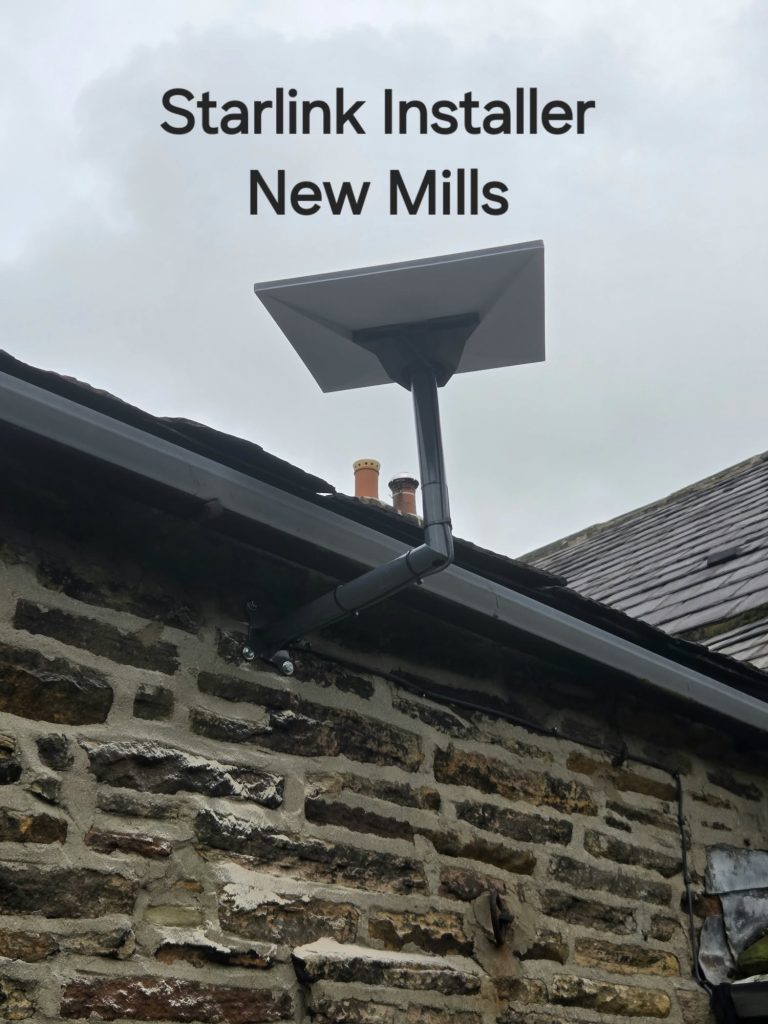
Switching to Starlink should be planned around the services your household uses, not just the first speed test. Our New Mills installation shows a completed physical connection with a reported on-site result. For anyone making a similar change, the next question is whether the new service meets their normal needs before the old broadband is cancelled.
Make an inventory of what depends on broadband
List everyday uses: work calls, television, cloud backups, games, printers and connected household devices. Include anything that relies on the existing router or telephone service. A new internet connection does not automatically transfer a phone number or replace a provider’s bundled services.
If an alarm or other important device uses the phone line, contact its supplier and the telephone provider before making changes. Ofcom’s digital-landline guidance highlights the need to discuss connected devices and calling requirements with providers. Do not assume that an internet speed test checks those functions.
Test the new connection under normal conditions
Where practical, allow a period in which you can test Starlink before relying on it alone. Use the actual working rooms and devices. Join a normal work call, try the usual streaming service and check that a large upload behaves as expected.
Record recurring interruptions and whether they affect one device or the whole property. This helps distinguish a satellite connection issue from indoor Wi-Fi coverage. The result reported in the New Mills video is a project observation, not a substitute for those household checks.
Check the old provider’s process directly
Ask about the contract end date, any charges, equipment returns and the services included in your existing bundle. Confirm who is responsible for cancellation. Do not assume ordering a Starlink kit has automatically ended an unrelated broadband contract.
If keeping a telephone number matters, arrange the appropriate service and transfer process with the providers before cancelling. Use Ofcom’s switching guidance as a starting point, then confirm the process that applies to your situation.
Plan the household changeover
- Choose a time when a short interruption is manageable.
- Keep account details and support contacts accessible.
- Check which devices need a new Wi-Fi name or password.
- Confirm important applications work before removing old equipment.
- Keep the cancellation and equipment-return confirmations.
Should everyone keep two internet connections?
No. An overlap for testing and a permanent backup are different decisions. The right choice depends on the household’s needs and the available services. For a business or essential workspace, discuss backup requirements explicitly rather than assuming a second connection will switch over automatically.
Read Ofcom’s connected-device and landline advice and our guide to replacing or backing up broadband.
Project example: Starlink Installation in New Mills: A Stone-Wall Cable Route.
See the New Mills installation
YouTube loads only when you choose to play and allow its cookies.
Discuss your installation with SpaceTek
Send your postcode, kit details and photographs of the property. Request an installation quote or call Bob on 07802 410 222. See our installation service areas and meet SpaceTek UK.
Plan your satellite internet installation
Send your postcode, property type and any known Wi-Fi requirements. SpaceTek UK will review the site information and explain the practical next step.



