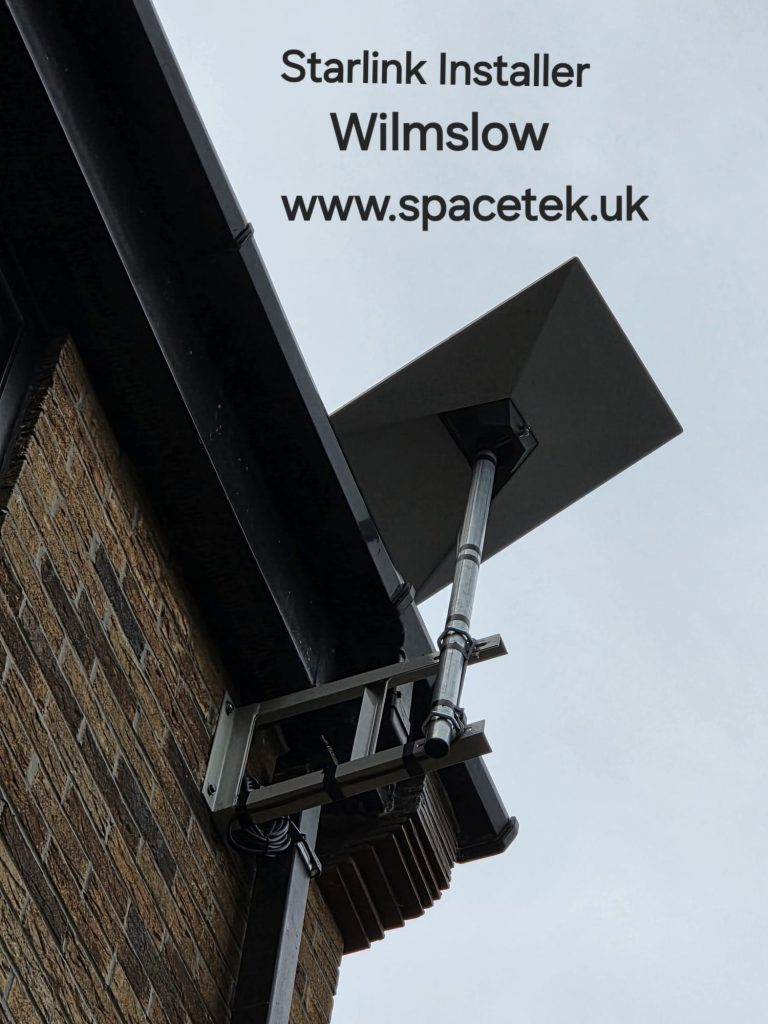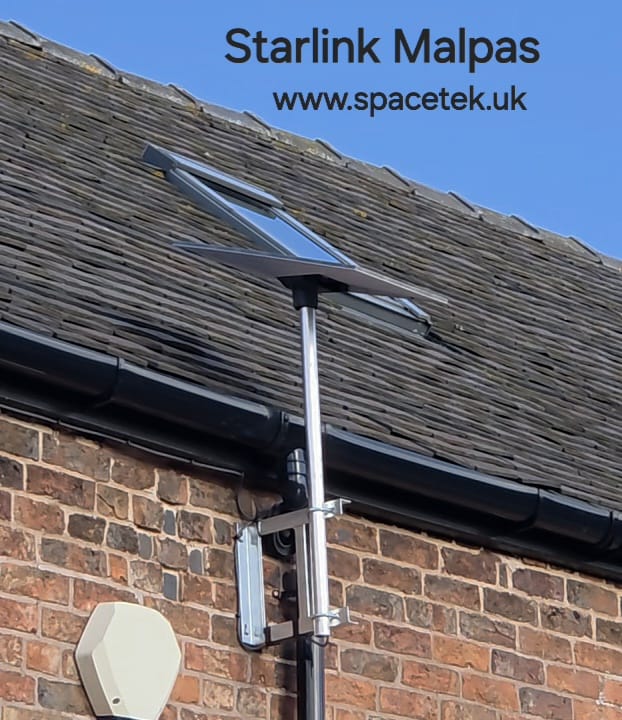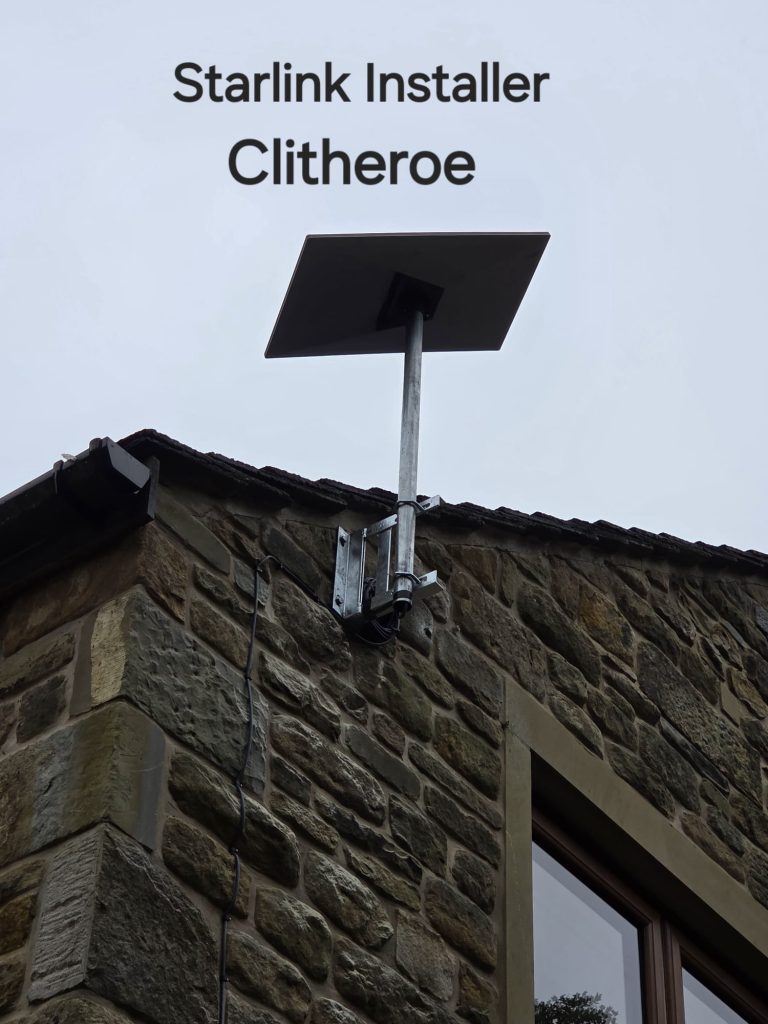
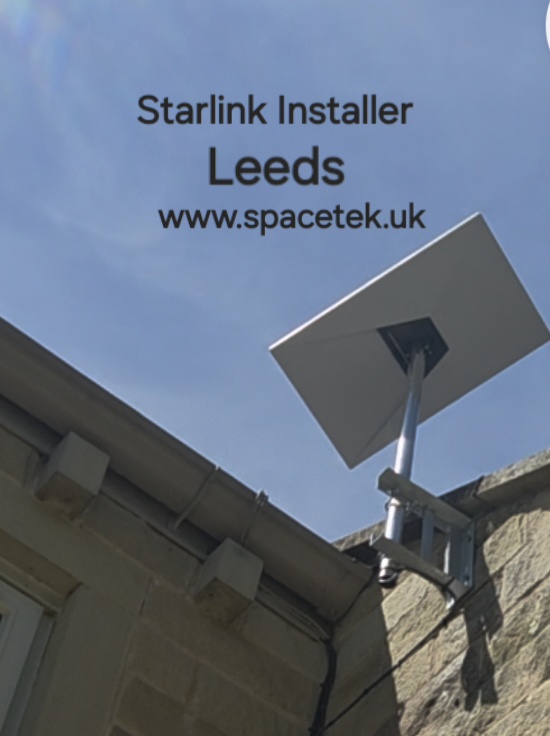
For a Leeds office, workshop or home, the useful question is what the new connection must support. A single home-working desk, a shared office and a business that needs a backup line have different requirements. SpaceTek plans the dish position and the internal network around that use.
Agree access before choosing the dish position
A shared building may have a landlord, managing agent or facilities contact who needs to agree access and the proposed cable route. Establish who can approve the work and which parts of the building are available. A convenient balcony or wall is only suitable if the dish also has the sky view it needs.
Photos of surrounding buildings and trees are helpful, alongside the postcode and approximate installation height. The final mounting decision should account for the structure, maintenance access and the Starlink app’s obstruction assessment.
Using Starlink as a business backup
Adding a second internet service does not by itself create automatic failover. The existing router or firewall needs to support the intended arrangement. Your IT provider may also need to check VPN access, remote services and any applications tied to a particular connection.
Agree a practical acceptance test: what should happen when the primary line fails, how users reconnect, and how the system returns to normal. Both connections may still depend on the same building power supply, so discuss power requirements as part of the continuity plan.
Distributing the connection inside the premises
Locate the network cabinet or router position before selecting the external cable entry. Several floors, long corridors or busy work areas may need wired access points rather than relying on one wireless router. Share an outline of the existing network so new equipment can be integrated sensibly.
- How many people and devices need the connection?
- Which activities matter most: calls, uploads, remote access or general browsing?
- Is Starlink replacing broadband or supplementing it?
- Who will manage the network after installation?
For a Leeds home
The same planning applies on a smaller scale. Point out the office, bedrooms or garden room where coverage matters. Testing near the router and at the actual working position helps distinguish the satellite service from the indoor Wi-Fi connection.
We can discuss customer-supplied Starlink equipment and explain the mounting and cabling work required. Service availability, package features and ongoing charges should be checked directly with Starlink before ordering.
View Leeds installation photographs

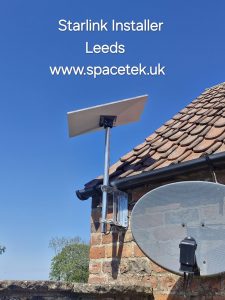

Installation video: Watch archive video 1
Talk to SpaceTek about your Leeds property
Request an installation quote or call 07802 410222. You can also browse our installation gallery.
For hardware-specific positioning and setup, follow the official Starlink Standard installation guide or the instructions supplied with your model.
See also: Starlink installation across Yorkshire and all service areas.
Plan your satellite internet installation
Send your postcode, property type and any known Wi-Fi requirements. SpaceTek UK will review the site information and explain the practical next step.