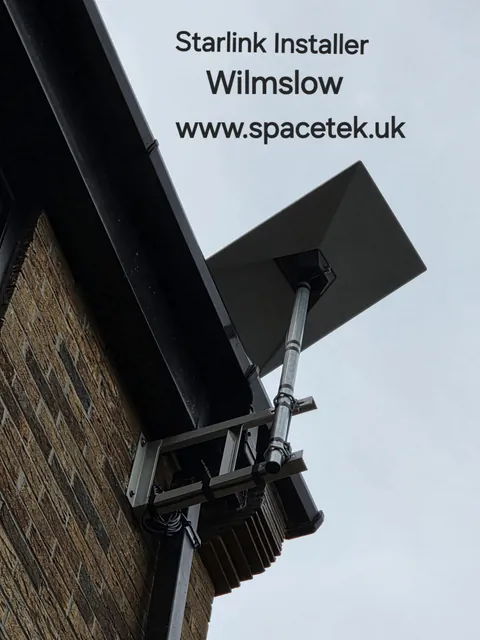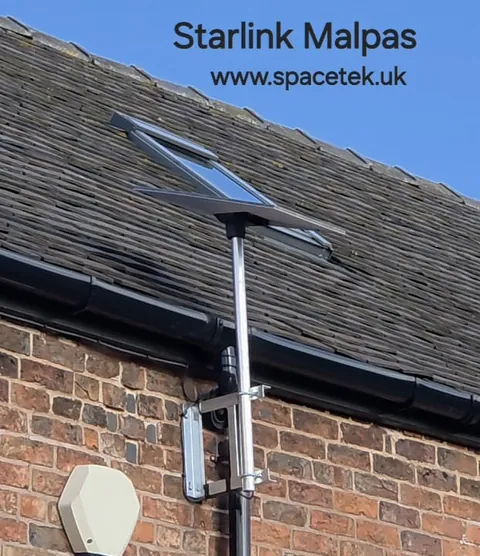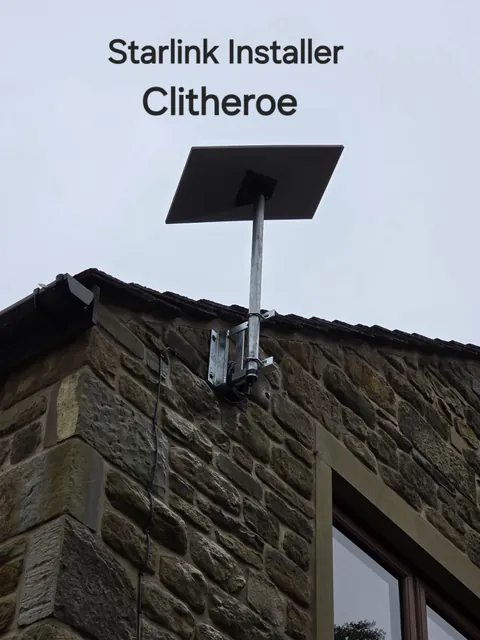
Preparing a Derbyshire property for Starlink starts with a few practical decisions: where the terminal can see the sky, how the installer can reach that position, and how the connection will reach the rooms you use. Collecting this information early makes it easier to agree a realistic scope and quotation.
Guidance reviewed: 22 October 2026.
1. Share the property and access details
Send your postcode, building type and clear photographs showing the roofline, external walls and surrounding trees. Include any courtyard, extension, workshop or outbuilding that needs internet access.
Mention narrow access, difficult parking, fragile surfaces or other restrictions that could affect the visit. Roof height alone does not establish how long the job will take. Access arrangements and the work needed should be agreed before an installation date is confirmed.
2. Check the sky view and supporting structure
Nearby trees, buildings and rooflines can obstruct the terminal. Use the Starlink app’s obstruction check to help identify candidate positions, then discuss them with the installer.
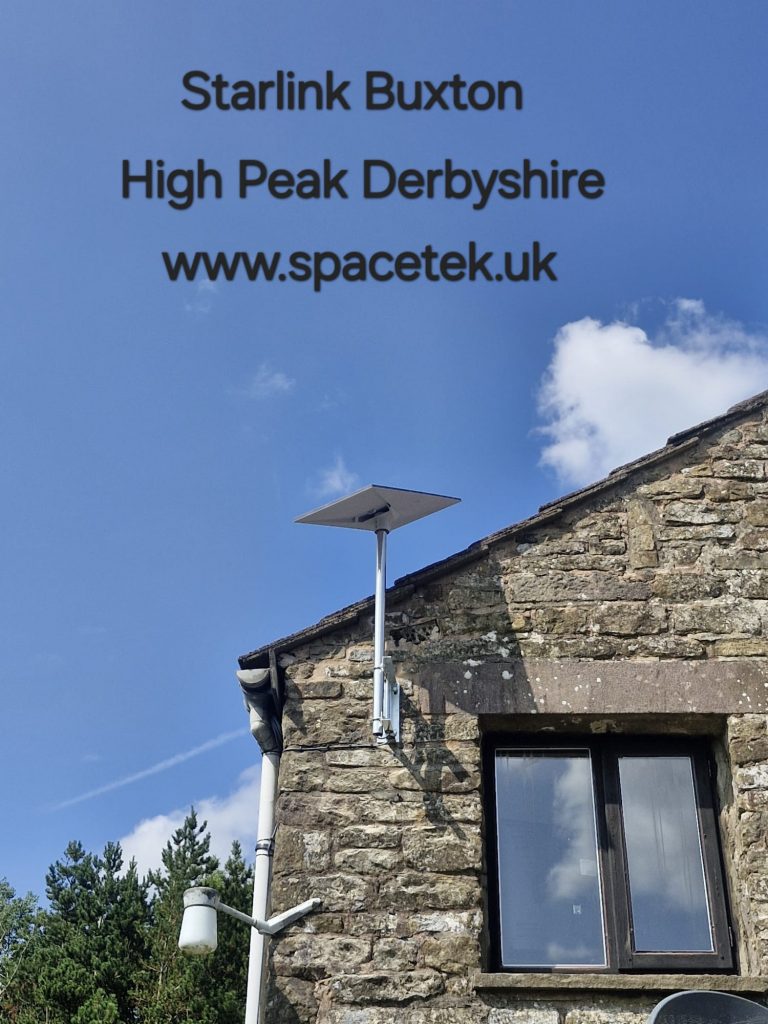
On a stone property, the suitability and condition of the proposed fixing area need assessment. The choice of bracket or pole also depends on the terminal, exposure and maintenance access. A standard arrangement used on another building is not automatically appropriate.
Our Tideswell installation article provides a local stone-property example. The mounting-options guide explains the main alternatives.
Watch the installation video from the original Derbyshire article.
3. Confirm permissions before permanent work
Check whether permission is needed from a landlord, managing agent or another property owner. Where the building or site has special restrictions, establish the relevant requirements before drilling or mounting equipment.
Share any conditions with the installer early, including restrictions on visible equipment or cable routes. This helps avoid agreeing a location that cannot be used. An installation quotation does not replace the permissions required for the property.
4. Plan the route into the building and through it
Agree where the cable will run, where it enters the building and where the router and power supply will be located. Consider weather protection, appearance and access for future repairs together.
Thick walls and a long or divided floor plan can limit indoor Wi-Fi. Identify the rooms that need dependable coverage, and include any office, holiday accommodation or outbuilding in the discussion. Ethernet cabling or additional access points may be part of the scope; the outdoor dish alone does not determine indoor coverage.
For a farm or business site, see the guide to Starlink for farms and rural businesses.
5. Agree the quote and handover checks
A useful quotation identifies the hardware and mounting work, cable route, access requirements and any indoor networking. Ask what is included in commissioning and what would be an additional job.
Installation time and cost depend on the property and scope. Avoid planning around a universal one- or two-hour estimate. Our installation cost guide explains the main variables.
At handover, check the connection in the rooms that matter, review the app for obstruction information and understand whom to contact for installation support or Starlink account and service questions. No installer can guarantee a fixed broadband speed at every property.
For coverage and local enquiries, visit Starlink installation in Derbyshire and the Peak District. To discuss your property, send Bob your postcode, photographs and hardware details.
See also: Starlink installation across Derbyshire and the Peak District and all service areas.
Plan your satellite internet installation
Send your postcode, property type and any known Wi-Fi requirements. SpaceTek UK will review the site information and explain the practical next step.